Call of Duty MW3 Firing Range Guide: How to Access It

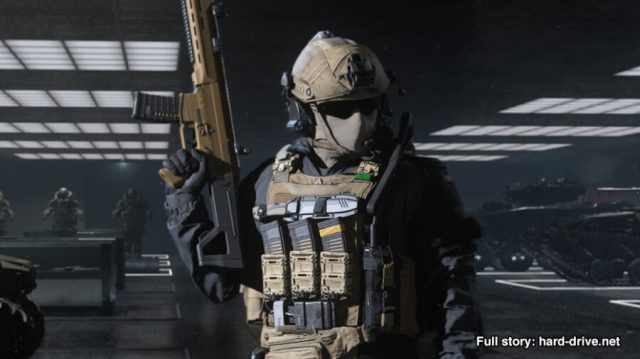
Want to know how to access the firing range in Call of Duty MW3? Call of Duty: Modern Warfare III is out now for players to enjoy the latest of what Activision has to offer from its premier shooter series. With a bunch of new features and additions, the combat in MW3 will surely be intense and addictive. One of the returning features from previous games is the addition of the firing range. It’s a useful addition to test out various favourite weapons and equipment. So, let’s find out how to access the firing range in CoD MW3.

How to Enter the Firing Range in Call of Duty MW3

The menu to access the firing range in Call of Duty MW3.

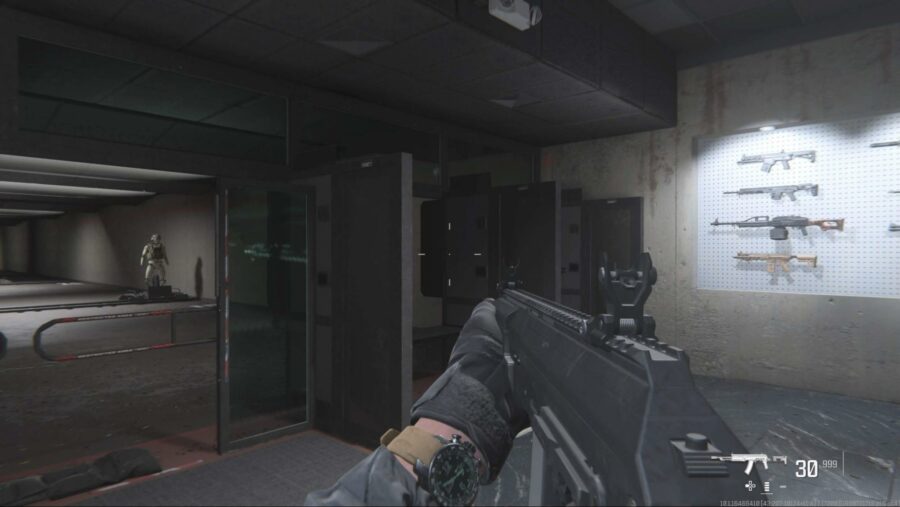
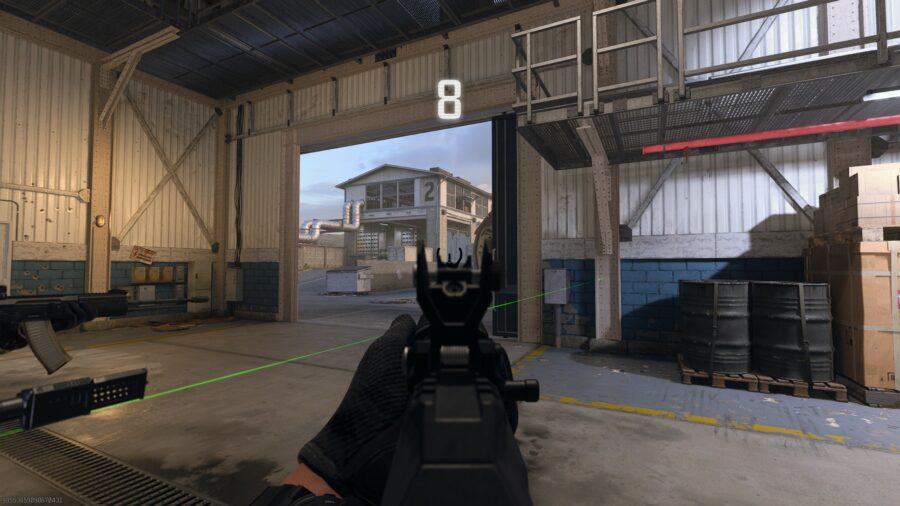
To enter the firing range in Modern Warfare 3, you’ll have to go to the Weapons tab from the main menu. There you will have the option to go to the Firing Range to test out your weapons.

Additionally, there is also an option to get the range from the loadout menu as well as the Gunsmith menu. This is particularly useful as you might be unsure what weapon to use in a match. Or, you might want to try out all the different kinds of attachments CoD MW3 offers. The firing range is a perfect spot to test everything and build out your arsenal.

In the firing range, you’ll have three dummies set at close, medium and long-range. These are there to ensure you can test out weapons suited for all types of distances. Not only that, you can modify your dummies to have different sets of armor, which will further help you in refining your weapons and equipment.

After finding out everything from the firing range, you’ll have to tune and customize your weapons to make them devastating. This’ll ensure your guns do not have any weaknesses, and you’ll be able to take down enemies in no time.

So, that’s everything you need to know about getting into the firing range in Call of Duty MW3. We also have guides on the best PC settings and aim assist settings, so make sure to check those out as well.

Vengeful Gamer Terrorizes Friends By Choosing 50-Turn Game in ‘Mario Party’

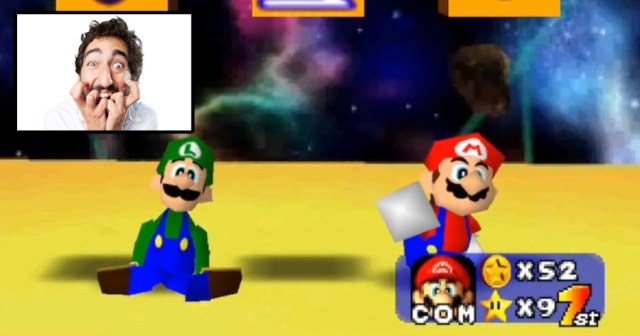
GLEN ELLYN, Ill. — In a move that many are describing as sick and twisted, a vengeful gamer has chosen to terrorize his friends by selecting a 50-turn game in Mario Party.

“That’s right, we’re doing all 50 turns. Hope you picked the characters you really like!” explained spiteful gamer Chris Bach. “You better make sure you’re ready to spin that control stick for your life, or mash that A-button for as fast and as long as you can, because this could take upwards of three hours! Mwa ha ha!”

Bach’s friends were confused and bewildered by his behavior.

“Man, what did we ever do to him to deserve this?” asked friend Kevin Park. “This was supposed to be kind of a chill hang-out sort of night, maybe grab a pizza and hit up a bar later, but he’s absolutely committed us to this game. I texted our other friends to let them know they might not see us for a while. A long while.”

As the game entered its halfway point, morale was at a record low for the evening.

“Oh great, Balloon Burst again,” said Thomas Smith, letting out a huge sigh. “I don’t think I have the endurance for these mini-games anymore. I don’t think I can handle someone stealing another star from me again. I don’t think I’m gonna make it. If I can’t get someone to fill in and play as Donkey Kong for me, I don’t know what I’m going to do.”

At press time, Bach revealed that he was upset because one of his friends forgot to plug in one of his controllers the night before.

Lonely Man Actually Really Excited for Nintendo Game to Hold His Hand

BATAVIA, Ill. — Despite complaints surrounding some of Nintendo’s first-party releases being too hands-on, one lonely man expressed excitement for such an experience.

“Oooh, I hope they teach me how to make Mario jump,” said lonely gamer Matthew Shane, feigning interest for attention. “I really don’t mind if some of Nintendo’s games take a while to get started. It makes the experience less lonely, if I’m being honest.”

Shane continued to muse on his experiences.

“I saw a lot of people complaining that some of the Zelda tutorials take too long, and I couldn’t disagree more,” explained Shane. “Because once they let me off on my own, it’s kinda like, okay, great. Now I have nobody left to talk to. Well, nobody worth my precious time, that is.”

Developers at Nintendo weren’t surprised to hear that some gamers were finding solace in their over-explanations.

“Our games tend to have a wide demographic ranging from all ages,” said Takashi Tezuka, a lead game designer at Nintendo. “So either children need to have things explained in great detail in order to understand them, or an adult playing, say, Pokémon Sword on a Friday night might just want to have the simplistic turn-based battle system explained in excruciating detail because nobody is texting them.”

At press time, Shane was seen spending way too much time hanging out around the Talking Flower in Super Mario Bros Wonder.

Nintendo Announces Two-Hour Unskippable Zelda Cutscene

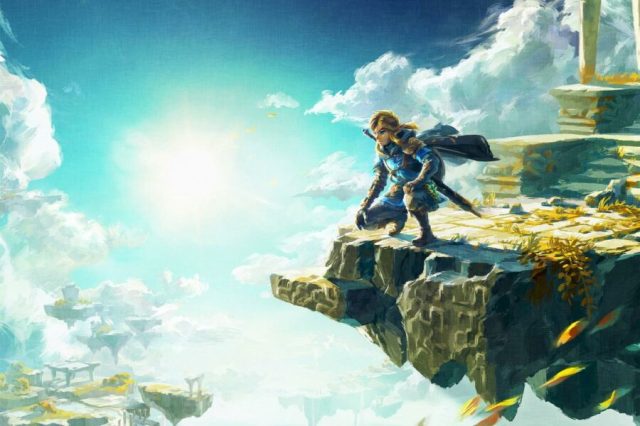
TOKYO — Nintendo is partnering with Sony to release a two-hour unskippable Zelda cutscene, sources mashing the start button confirmed.

“Everyone loves that feeling of limitless choice and possibility when you pick up the controller to play the latest Zelda release,” said Nintendo Executive, Akira Murakami. “That’s why we’ve decided to completely get rid of that. Now it’s all cutscene. We think that removing the core mechanic of our chosen art form will open up our franchise to a wider audience.”

Fans of the series were disappointed by this departure from previous entries in the series.

“Who even watches the cutscenes?” asked Zelda fan Sam Barkman. “I always skip them and I don’t see why I have to stop now. I thought video games were about choice. I don’t care about bird people, or fish people, or weird magma troll people. For some reason I do care about the tall lady people. Is this going to be a 100% tall lady cutscene? Because I might be into that.”

Hollywood analyst Peter Hench sees this as huge leap forward for Nintendo as a company.

“Up until the Mario cutscene was released earlier this year, nobody in Hollywood had even heard of Nintendo,” Hench said. “Now, they’re a household name, all thanks to us. I’m glad to see that Nintendo executives are finally taking their business seriously by transitioning into longer cutscenes. Just think, Nintendo may someday have a cutscene as successful as Final Fantasy: The Spirit Within.”

At press time, Nintendo was reportedly considering paid DLC that would allow you to skip straight to the credits.

I Owe Money to an Actual Raccoon and It’s Much Less Whimsical Than Animal Crossing Would Have You Believe

Everyone understands that video games do not accurately portray reality. In real life, eating a flower won’t let you throw fireballs, nor can you recover from a dozen bullet wounds by ducking behind a short wall for a few seconds. It’s common sense that games must take some liberties in order to be, y’know, games. Still, creators have a responsibility to ensure that their works don’t spread harmful misinformation. Unfortunately, Nintendo shirked this responsibility when they created Tom Nook, a cartoon raccoon from the “Animal Crossing” series who loans the player money to buy a house.

Tom Nook is a patient and affable lender, who does not impose any deadlines on the player and allows them to pay him back at their own pace. I can say from experience that this is not how a real raccoon would behave. They won’t let you forget about the money you owe them. Just ask that piece of shit loan-shark Randy Bandit, a raccoon who lives in my neighborhood and gave me a payday advance. That asshole is scratching at my window every goddamned night. “Where’s my money, Kyle? You still owe me that money.” Yeah, Randy, and don’t I know it. I’m gonna get you your damn money, just let me fucking sleep.

“Animal Crossing” also makes it way too easy to pay back a raccoon loan. You can just sell Tom Nook stuff like furniture, fruit, and fish, and soon enough, you’ve got enough cash. Randy Bandit owns a pawn shop, too, but he’s not quite as generous as Mr. Nook. In fact, his valuations are garbage, and that’s what he really loves: garbage. He spends most of his time in the damn dumpster. Plus, one time he took the watch I was trying to pawn and didn’t pay me anything. He claimed it was counterfeit and said it would be illegal to give it back to me. That was my grandfather’s watch, Randy! He wore it through the war! It wasn’t some knock-off from “Chinatown” like you claim. Our city doesn’t even have a Chinatown!

Randy’s got a lot of side-hustles. His new thing is that he’s an independent contractor, kind of like how Tom Nook will expand your house in “Animal Crossing.” Randy is just as pushy as Tom is in the series’ earlier games, refusing to take “no” for an answer when he suggests that you put in a bay window or replace your carpet with hardwood floors. The difference is Randy doesn’t actually do the fucking job. Oh, sure, he does the demo right away, ripping out your old flooring, putting a big hole in your wall, and covering it all up with an old, ripped-up tarp. But then he disappears. He doesn’t even show up at night to hassle you about the money you owe him.

Eventually, you go down to the pawn shop to confront him, and he acts like he has no idea what you’re talking about. You threaten to report him to the city, but it turns out that he never got his business license and there’s no paper trail, so you’re stuck finding a different contractor to complete the work at twice the cost. Oh, and guess who’s back tapping on your bedroom window at two in the morning, demanding you pay back your loan or he’ll tip over your trash cans? That’s right: Randy Fucking Bandit. And that is his real middle name. I’ve seen his driver’s license.

There’s one other thing about Randy that rubs me the wrong way, even though it shouldn’t be a big deal. It’s just that I can’t help but notice how he’s become increasingly nervous when there’s water around lately. I’m not sure what that’s all about, but it’s been making me uncomfortable. Fucking Randy.

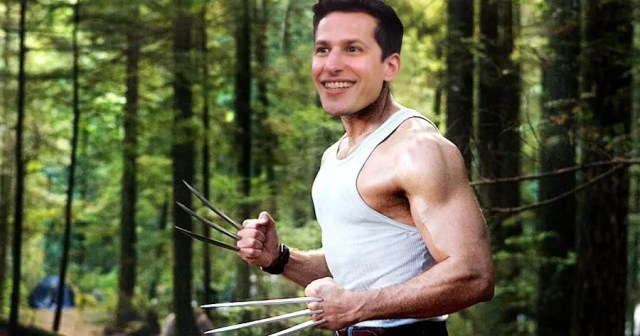
We’re Starting a Rumor That Andy Samberg Is Going to Play Wolverine

Hello readers, it’s your favorite video game journalists Hard Drive! We’ve been thinking a lot about how to increase our reach and influence, and we think we’ve hit the perfect solution: fake news! That’s right, we’re gonna lie our way to the top by making things up! And we have what we think is the perfect initial volley: we’re going to start a rumor that Andy Samberg has been hired to play Wolverine in the Marvel Cinematic Universe!

It’s basically the perfect rumor. Think about it: he’s the precise level of star they’ve been going after since Phase Four started. You’ve heard of him for sure, but he’s not like a Scarlett Johansson, you know? Plus, they’ve really been on a kick with comedians lately. Chris Pratt? Kumail Nanjiani?? Awkwafina??? By this point, it’s only a matter of time for our pal Andy anyway!

Sure, at 5’10” he’s noticeably taller than Wolverine (canonical height: 5’3″. Short king!). But you freaks ate up Hugh Jackman (6’3″!) in the role, so I don’t want to hear it! Plus, it’ll give us the chance to have Joanna Newsome in a fun cameo. Kitty Pryde, anyone?

And finally, the biggest reason why we’re telling people Samberg is perfect as Logan is because it’s sure to piss off all the big MCU heads that are going to be up in arms, claiming he’s “too funny” or “can’t embody the character’s rage” or whatever. Are you seriously going to tell me you think the star of Space Chimps doesn’t have range? That the man whose dick was in a box doesn’t know pain? Ridiculous. I’m scoffing at you! This is me scoffing at you!

You may be wondering what our next Fake Rumor is. We can’t tell you yet, but I’ll give you a hint: his star turn as Spider-Ham made his casting decision a… “snap”!! Stay tuned!

(John Mulaney is the new Thanos.)

Like a Dragon: Here Are 20 Things You Definitely Didn’t Know About ‘Yakuza’

There are many entries in Sega’s Yakuza video game franchise, otherwise known as Like a Dragon, including numerous spin-offs, retellings, and more. You may have played them all, you may think you knew everything, but here are 20 facts that you definitely did not know about Yakuza.

#1 — Sega loves it when you call it a Japanese rip-off of Grand Theft Auto
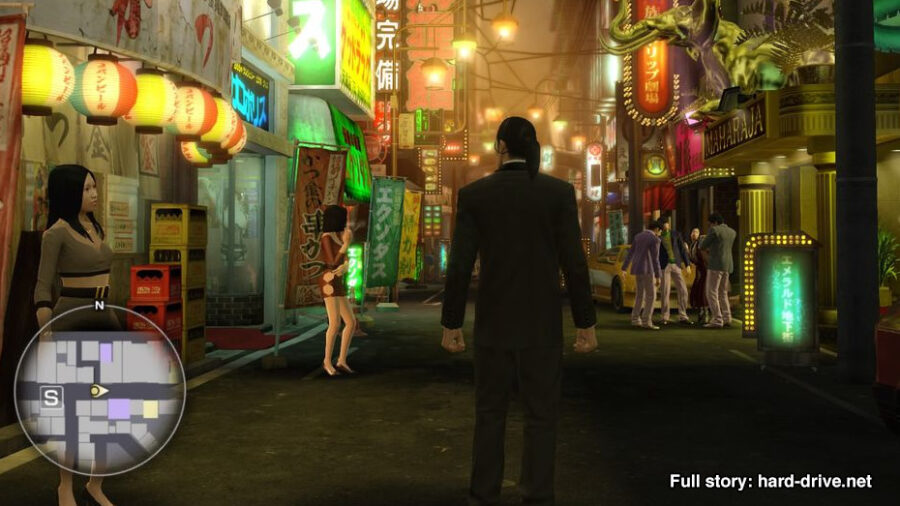
Granted this happens less and less these days, but for a long time, people would pitch these games as “Grand Theft Auto, but totally Japanese!” Which is something that the team at Sega reportedly loves to hear.

#2 — You don’t need a pinky to play it
In some circles, disrespecting the Yakuza will result in getting your pinky cut off. Just in case, for anyone who has dealt with such a circumstance, developers at Sega made sure that disgraced former members will still be able to enjoy their games.

#3 — Trained apes did the motion capture for every character
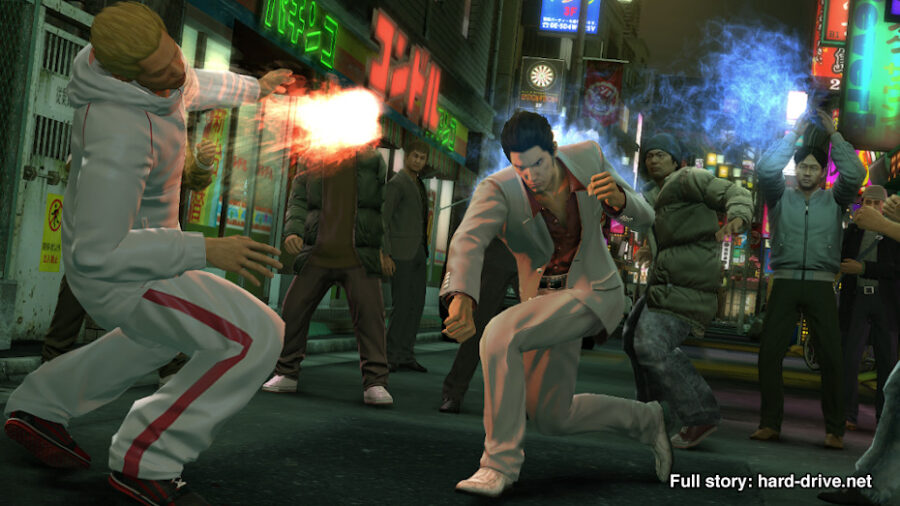
Chimps, apes, and monkeys did all of the motion capture work for the iconic characters from the Yakuza video games. You’d never guess it though, because everyone involved in the ape motion side of the project was killed to keep the secrets of the craft safe.

#4 — It was inspired by The Sopranos

In 1999, HBO released The Sopranos, which was not only a watershed moment for serialized TV dramas, but video games as well. Producers at Sega were big fans and clearly took careful notes, because just several years later, the inaugural game in the Yakuza series was released.

#5 — Real-life Japan is full of mini-games and side quests

Japan was originally invented as a real life Mario Party board. Roll the dice, walk three steps, bam– time to help a kid find his lost kitten, or become super engrossed in slot car racing for longer than you meant to.

#6 — That one zombie game is canon
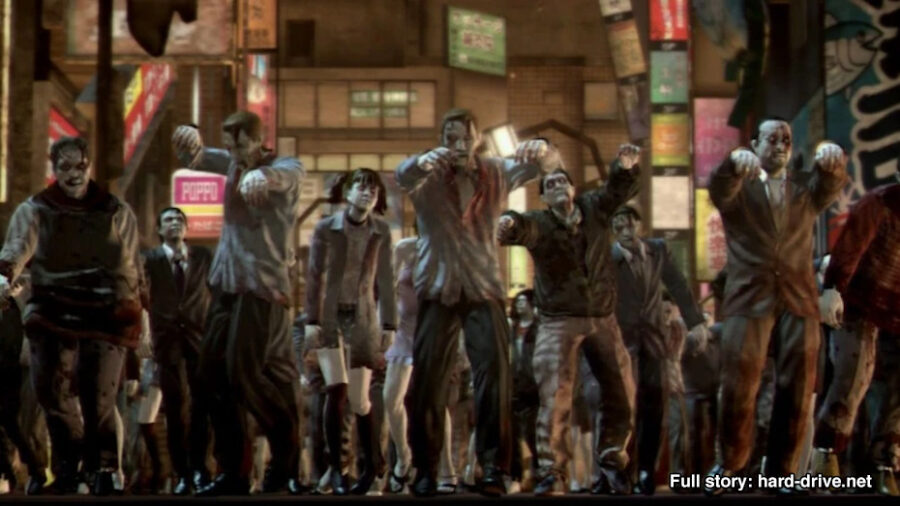
Yakuza: Dead Souls is a spin-off game that shamelessly cashes in on the zombie fad of the late 2000s. Unbeknownst to many, however, is that the events from this game are canon. Once the zombie outbreak ended, everybody just went back to their normal lives by picking fights with strangers on the street for no reason.

#7 — The Sopranos: Road to Respect was inspired by Yakuza

Art often comes full circle, as they say, and there is no better example of this than the PS2 classic The Sopranos: Road to Respect, which was originally slated to be a HD remaster of Yakuza.

#8 — Takeshi Kitano is fictional
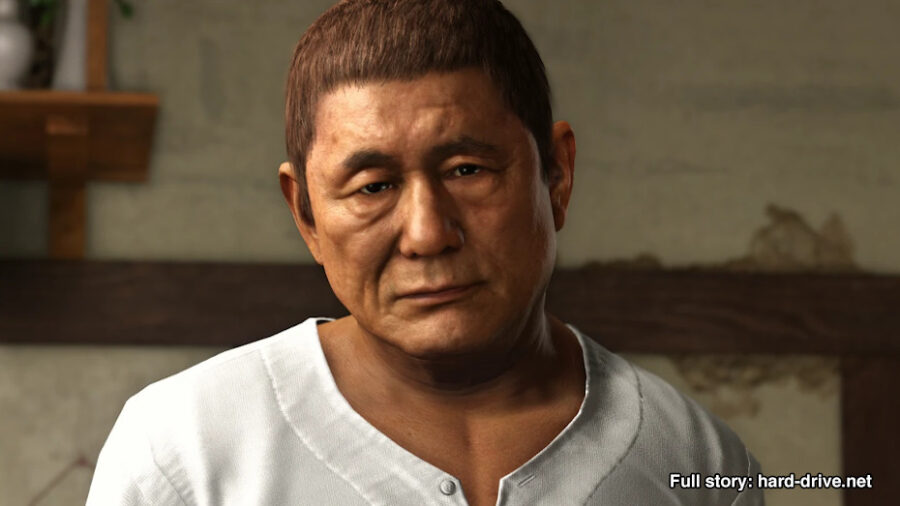
Despite being an alleged filmmaker and comedian, Kitano’s appearance in Yakuza 6: The Song of Life confirms that he isn’t real, and is merely a figment of our imaginations. Hana-bi was great, but I’m definitely looking at it a little differently now!

#9 — Exists in the same universe as Sonic
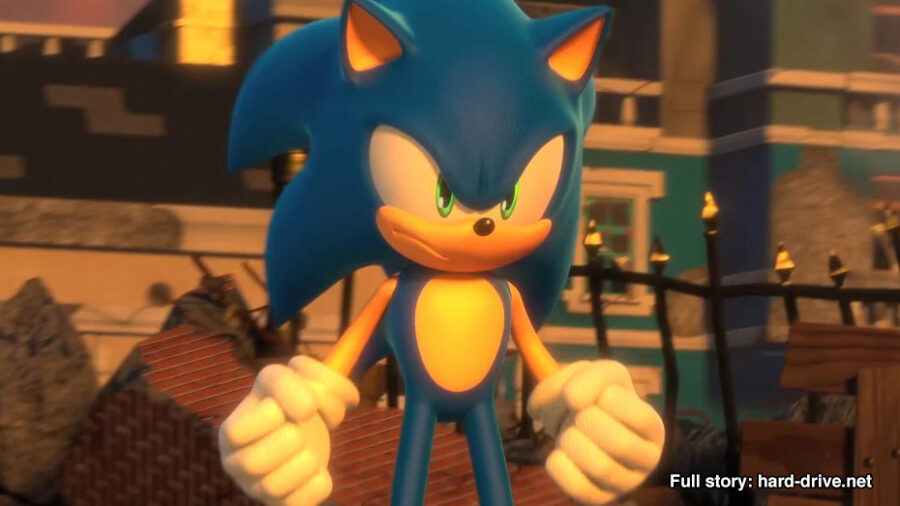
Crossovers are all the rage now, so Sega confirmed recently that the Yakuza games do in fact exist within the same universe as Sonic, or more specifically, the Sonic Adventure games. Look forward to seeing Kiryu prowl the streets of Station Square, duking it out with Big the Cat!

#10 — Exists in the same universe as Super Monkey Ball
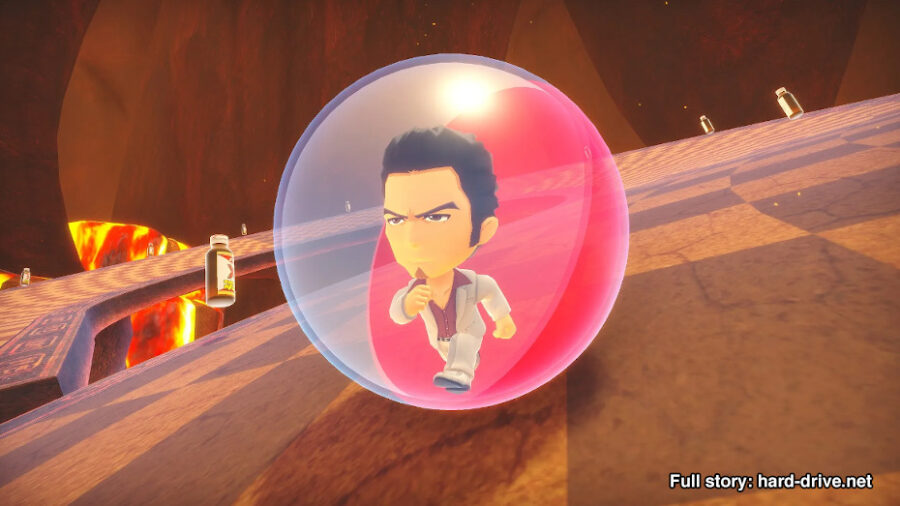
Kiryu is playable in the latest game. What more proof could you possibly need?

#11 — Sega considered changing Kiryu’s name to “The Baka Mitai Guy”

Thanks to the meme which brought a lot of eyes to the series, Sega was at one point heavily considering changing Kiryu’s in-game name to “The Baka Mitai Guy” because that’s what people on twitter kept calling him after a karaoke clip had gone viral. They thought this would push sales, but ultimately made the decision not to do it and just introduced a new protagonist instead: Ichiban, “the Dragon Quest guy”.

#12 — The switch to an RPG format was a happy accident

Initially they were going to change the genre to “falling puzzle game” like Tetris or Puyo Puyo, but accidentally came up with an RPG instead and they just went with it! Some pencils don’t need erasers.

#13 — There’s a fake image floating around online of Mark Hamill not remembering voicing Majima

The original Yakuza game was dubbed over in English and Mark Hamill voiced series regular Goro Majima. There is a long debunked image where it is purported that he doesn’t remember it. It’s a fake.

#14 — There will be a new game once a year, every year, until the heat death of the universe

Scientists report that it will very likely outlast humanity itself.

#15 — Ichiban will be the hero of the new Dragon Quest

Ichiban is a lovable protagonist, one of the best in gaming. So in a collaborative effort between both Sega and Square Enix, he will be taking on the role of the hero in Dragon Quest XII, immersion be damned.

#16 — The Judgment series of video games are totally a thing too
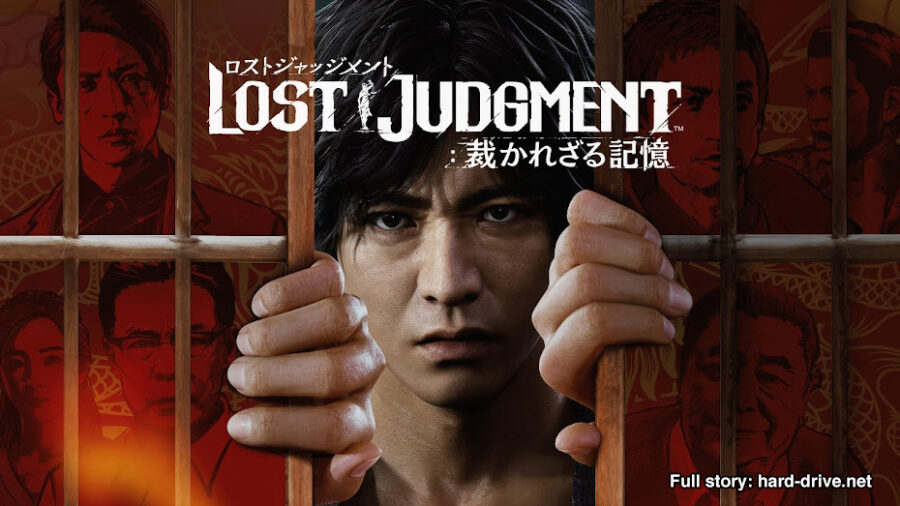
You know, just in case you forgot. Sega wants you to know that you can buy them and play them, just in case you had a spare moment to stop and think about a different video game besides Yakuza, which is also set in the same world.

#17 — Kiryu is the highlander
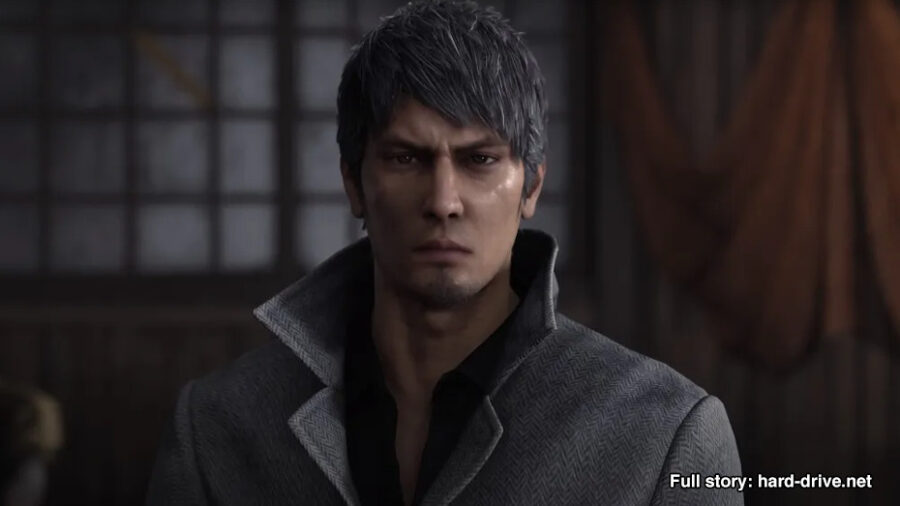
Seriously, how many times has this guy “retired”? He just got his own spin-off game, and he’s back in the eighth game in the series? I’m convinced: this mother fucker is the Highlander. There can only be one Kiryu.

#18 — Those samurai games are also canon
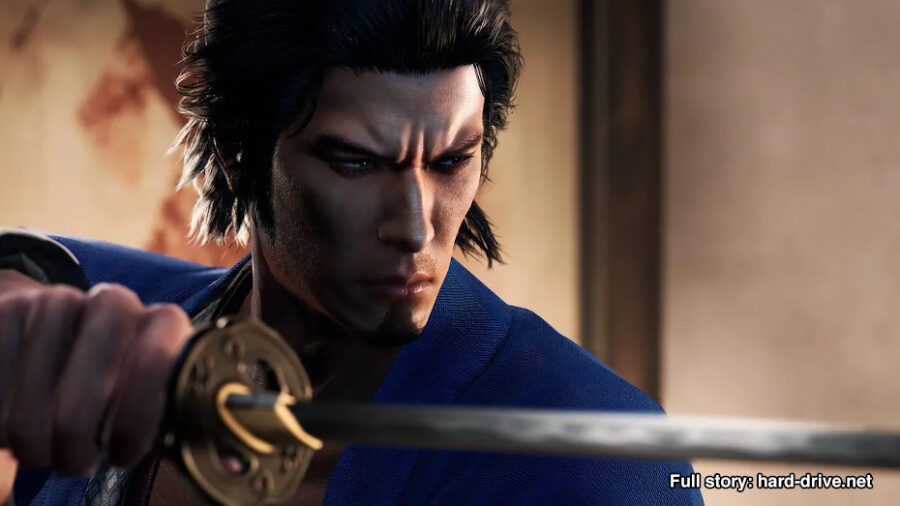
Bet you thought it was weird how a bunch of people hundreds of years ago just so happen to look like the cast of the Yakuza games, huh? Well, that’s because it’s canon, and their lineage is just really, really fucking strong. Those are some good genes!

#19 — Cabaret clubs a great way to grind EXP in real life too

Seriously, if you show up and buy presents for the employees, don’t overstay your welcome, and treat your conversations like quicktime event mini-games, you can earn tons of EXP which can in turn be used to learn awesome fighting moves.

#20 — Kiryu is LITERALLY you
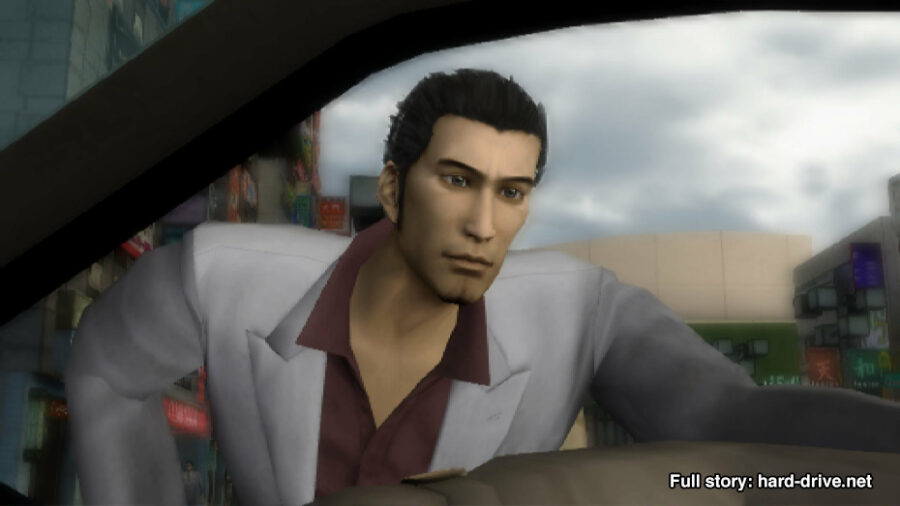
You may have thought it at some point, or maybe even wished it were true, but yes, Kiryu is literally you! I spoke to someone at Sega, told them your name, showed them your picture, and they couldn’t believe it– the person who inspired Kiryu was right there before their very eyes!
Call of Duty MW3 PC Settings Guide: Best Performance Settings

Getting the most out of your PC is essential for a game like Call of Duty: Modern Warfare 3. While some might opt for prettier graphics, a higher frame rate is the most critical aspect of a third-person shooter like this one. So, check our recommended MW3 performance settings for your PC! 

Best PC Performance Settings for Call of Duty MW3Call of Duty MW3 PC Performance Settings

First, it is important to remember different setups will need different settings tweaked. In general, the settings below will improve performance across most setups.

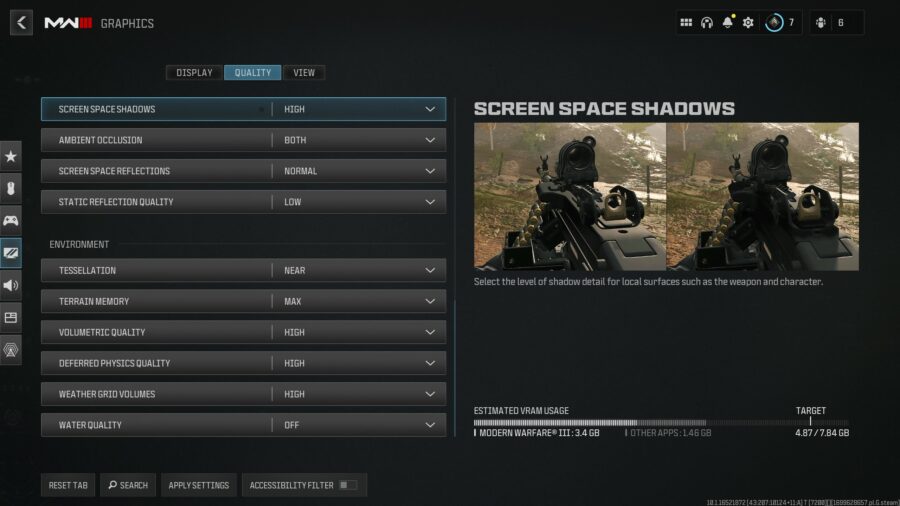
To access the graphics settings, you first need to head to the main settings menu on the main menu. From here, select Graphics. This menu has dozens of settings, so it’s important only to adjust and test what is necessary. The following settings are recommended for optimal performance in MW3:

Display

  • Display Mode – Fullscreen Exclusive
  • Display Monitor – Main Monitor
  • Nvidia Reflex Low Latency – On + Boost
  • V-Sync [Gameplay] – Off

Quality

  • Upscaling / Sharpening – Nvidia DLSS
    • Nvidia DLSS Preset – Performance
  • VRAM Scale Target – 90
  • Texture Resolution – Medium
  • Texture Filter Anisotropic – Normal
  • Particle Resolution – Normal
  • Bullet Impacts – On
  • Persistent Effects – Off
  • Shader Quality – Low
  • Shadow Quality – Normal
  • Screen Space Shadows – Low
  • Ambient Occlusion – Both
  • Screen Space Reflections – Off
  • Static Reflection Quality – Low
  • Tessellation – Near
  • Terrain Memory – Min
  • Volumetric Quality – Medium
  • Deferred Physics Quality – Low
  • Weather Grid Volumes – Normal
  • Water Quality – Off

To wrap up, if you follow these steps, you should be ready! While you’re here, though, if you’re a controller player, you might as well take some time to optimize your aim assist settings to compete with the best.

How to Improve Latency for MW3 PC

Latency is also an area that you might run into trouble with. For starters, ensure your game is set to Fullscreen Exclusive for Display Mode, and check your Screen Refresh Rate. This can help improve your latency. When the game is set in Fullscreen Borderless, programs in the background can run with higher priority since the game is not in exclusive fullscreen. 

As for the refresh rate, set it to what your monitor is capable of. If it happens to be set to 60hz and your monitor can support up to 144hz, your latency will vastly improve by properly utilizing refresh rate support.

Lastly, if you’ve followed everything and are still running into trouble, don’t fret. We recommend checking on your graphics card drivers to see if they are updated. Most of the time, outdated drivers can cause plenty of performance troubles. 

MW3 has plenty of new mechanics to learn! You can count on these to keep you in the lead. Check out our guide on the slide cancel mechanic!

Call of Duty MW3 Loading Screen Guide: How to Unlock & Change

Loading screens are a great way to customize your experience in Call of Duty: Modern Warfare 3. Loading screens allow you to change the image that displays when loading into matches. It’s a breath of fresh air when compared to looking at a flat map loading in. Here’s all you need to know about changing and unlocking a loading screen in MW3

How to Unlock Loading Screens in MW

If you played MW2, you should be familiar with how these loading screens work. Loading screens in MW3 can be unlocked through various challenges presented throughout the game. Additionally, a large majority of loading screens are obtained through bundles. These can be purchased in the shop with COD Points. Lastly, the Battle Pass has different loading screen offerings in MW3. Each season, a handful of these items will be placed throughout the Battle Pass for you to unlock. 

Each loading screen has a different picture. Some of these include graffiti, while others include drawn artwork of different operators. Additionally, if you buy a bundle, the included loading screen will be related to that. This goes for third-party bundles like the Tomb Raider bundle or the 21 Savage bundle.

How to Change Loading Screens in MW3Loading Screen Menu MW3

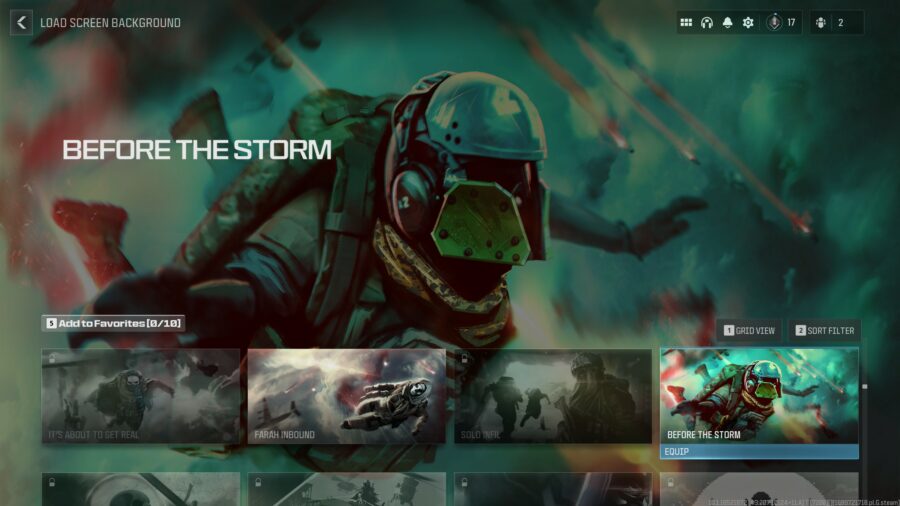
To change your loading screen, head to the multiplayer tab’s customization menu. Here, you’ll see a few different menus. You want to click on the one that says Loading Screen. Once you’ve made it here, you can pick the loading screen of your choice to use while you’re loading in and out of matches. The menu is quite extensive, so you will need to scroll to the bottom to see the different loading screens you have unlocked.

That will do it for our MW3 loading screen guide! So, keep tabs on this menu as you unlock new loading screens throughout the season. If you want to improve your movement in the new CoD game, check out our guide on how to Drop Shot in MW3!

Call of Duty MW3 Aim Assist Guide: Best Aim Assist Settings

Customizing and fine-tuning your settings in Call of Duty: Modern Warfare 3 is imperative to your success. This especially goes for players on controller and aim assist settings, which give you a big advantage against other players across console and PC. Aim assist has different options available in CoD MW3 that all operate differently. 

Each Call of Duty game can handle aim assist a bit differently, so what settings should you pick? Here’s what you need to know about the aim assist options in MW3.

How to Change Aim Assist Settings (Modern Warfare 3)

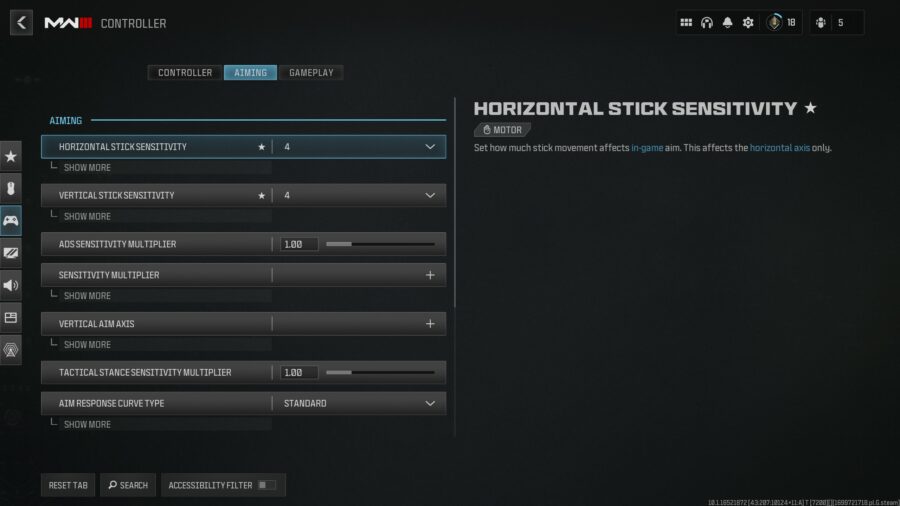
Screenshot of the MW3 Controller Settings tabTo access these settings, you need to first head into the main multiplayer menu of MW3. From here, select settings, then the Controller subtype. In this menu, you want to go to the Aiming tab, where you will find the aim assist settings. 

There are three different tabs within the controller menu, so you need to ensure you are in the Aiming tab to find the aim assist settings. 

Best Aim Assist Settings for CoD MW3

Aim Assist Settings MW3MW3 has four different aim assist options for you to choose from. These are Default, Precision, Focusing, and Black Ops. So, which is best and why?

  • Default: Traditional aim slowdown near target used in Modern Warfare games.
  • Precision: Strong aim slowdown that only kicks in when aiming closer to target. Best for accurate players.
  • Focusing: Strong aim slowdown that also kicks in when narrowly missing target. Best for players new to analog aiming.
  • Black Ops: Traditional aim slowdown near target used in Black Ops games.

The Black Ops aim assist setting option seems to have the best aim assist in general. So, for that reason, we do recommend using this option. However, both Focusing and Precision are good options as well for those who have specific wants with the AA system. Additionally, the Default option could be your pick if you’ve preferred how aim assist operated in Modern Warfare and Modern Warfare 2

Check out our MW3 third-person guide if you want a unique experience during multiplayer.