NBA 2K24 Pre Order Bonus: How To Claim & Where To Use It

Looking for how to get your NBA 2K24 pre order bonus? We’ve got you covered with our helpful guide on how to get the bonus content for the latest entry in the basketball simulation franchise! Luckily, claiming this bonus is pretty easy, it just may take a bit of patience. Here’s what you need to know to get the NBA 2K24 pre-order bonus.

How to Claim Your Pre-Order Bonus in NBA 2K24

Arguably the main event of the pre-order bonus is the extra currency you get: 5000 of both VC and MT to use in whichever modes you choose. You’ll also receive a few MyTeam packs, and MyCareer Skill & Gatorade boosts. Luckily, there isn’t much to claiming these bonuses. Simply log in to MyTeam or MyCareer, and your prizes should be available! You may need to wait up to 24 hours if the currency doesn’t appear, however.

For those who bought a physical edition of the game from a retailer, you may need to be a bit more proactive to get your bonus. Depending on your retailer, you could receive your code for these bonuses in a few different ways, including on your receipt or in your email. If you can’t find it no matter where you look, consider contacting the customer service representative for your local retailer online.

What to Use the Pre-Order Bonus On

The answer to this depends greatly on what your preferred mode is. If you’re a fan of MyCareer, you’ll likely want to just use these boosts and this currency right away. Getting a jumpstart on your career will simply make the whole process more fun. 5000 VC won’t go too far, but it’s a good step in the right direction. If you’ve pre-purchased one of the pricier editions, this VC is increased, and will get you an even better headstart over the competition.

On the other hand, if you’re more of a MyTeam player, it’s worth holding onto your currency before spending right away. The economy of MyTeam is skewed toward relatively low-rated players in the beginning of the game’s lifespan. Unless you’re looking to keep up with the best of the best online, you may be better off just holding onto your MT until the auction house features a bit better deals for you to get your hands on.

That’s all you need to claim your NBA 2K24 MyTeam & MyCareer pre-order bonuses! If you still haven’t seen your bonus come in, try to be a bit patient and see if it appears. If you’re playing more sports games, check out our guides hub for Madden 24!

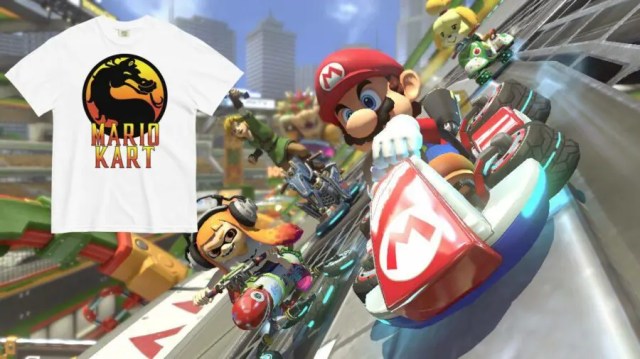
Mario Kart 8 DLC to Introduce Fatalities

REDMOND, Wash. — Nintendo shocked gamers all over the world today by announcing that the signature fatalities from the Mortal Kombat franchise would be introduced to Mario Kart 8 in it’s next DLC release, sources have confirmed. 

“Wow, I can’t believe this,” said local gamer Gabe Willis, after viewing a trailer Nintendo released online that featured Mario performing a brutal banana peel-based fatality on an unsuspecting Toad following a race. “They’ve added a lot of cool courses and characters over the years, but the ability to rip my opponent’s spine out of their body or bite their face off as Yoshi is going to make this great game even better. This is a day one purchase for sure.” 

Many parents however, were shocked at the sudden change of tone in the Mario Kart series. 

“This is absurd,” said Laura Allen, a local mother of three. “It’s bad enough I’m not sure what my kid is watching on YouTube or TikTok all day, I thought at least I could plop him down in front of Mario Kart and he wouldn’t be corrupted. But then I come into the living room and he’s got Link cutting Wario’s head off with the master sword! It was so crazy. Especially the way Link tasted some of Wario’s blood off of his fingers before he posed for the camera. It just doesn’t feel like Mario Kart anymore, I’m afraid.” 

Mario Kart producers insisted this was a feature they’d long wanted implemented into the popular racing series. 

“Back when we were making the original Mario Kart on the SNES, we had some early storyboard art which featured Donkey Kong removing his tank top and stuffing it down Luigi’s throat until he choked to death on it,” said legendary game designer Shigeru Miyamoto, who was a producer on the title. “But we decided to cut that at the last minute. Frankly, the Super Nintendo just couldn’t bring to life our overall concept for the brutal endgame we’d always wanted these races to have. I’m so happy we’re finally able to realize our vision, some 30 years later!” 

As of press time, Nintendo had announced that they would be pursuing an R-rating for the upcoming Super Mario Bros Movie sequel.


Check out our new Mario Kart and Mortal Kombat shirts, available for one week only! 

/**/


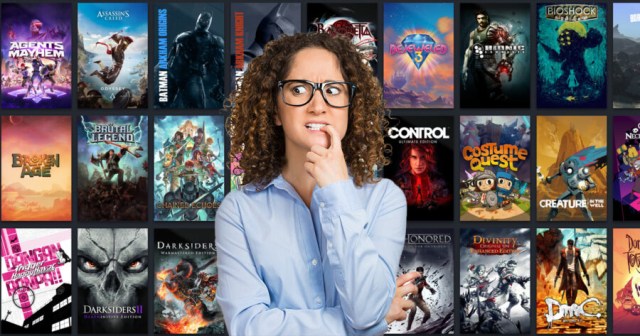
Top 50 Best Games to Buy and Never Play

It’s time for gamers to free ourselves of the shame we feel when we think of our backlogs. Every unplayed title is like a little reminder of one moment of weakness, and it can be tough to see all of those reminders listed alphabetically in your Steam library when you’re about to start your fiftieth Skyrim playthrough. But hey, it’s a collection! People fill their bookshelves with novels they’ve never read. We should be able to do the same with games! Here’s a list of the perfect titles to get you started.

1. Subnautica

I would probably really like this game, but every time my cursor hovers over the shortcut, my heart starts to race. Sweat beads on my brow. What would happen if I clicked? Surely, the game is safe to play. I’m not stupid; I know it’s fake. Just give me a few minutes to center myself.

2. Wildermyth
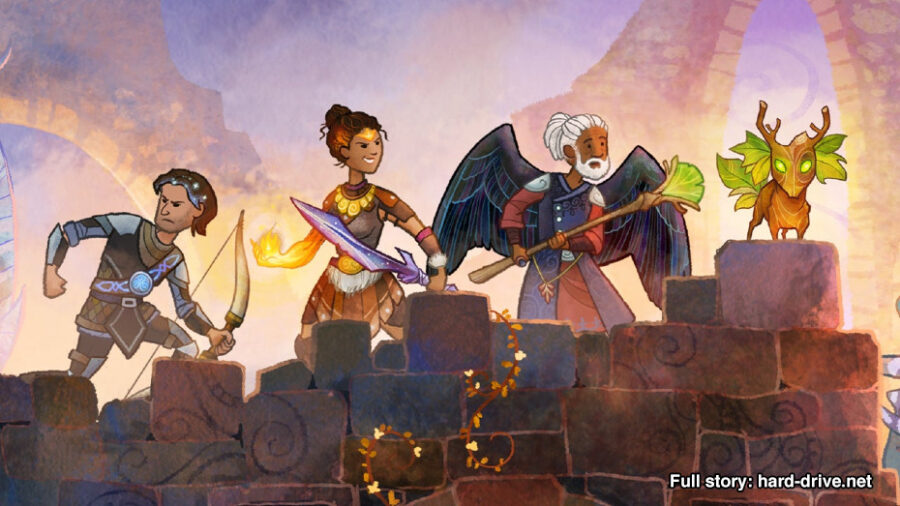
I heard an advertisement for this one on a podcast I listen to, so I nabbed it right away. Unfortunately, I can’t remember what the ad said, and I don’t have the patience to sit through a tutorial right now. Oh well, I’m sure I’ll have time eventually.

3. The Last of Us Part I
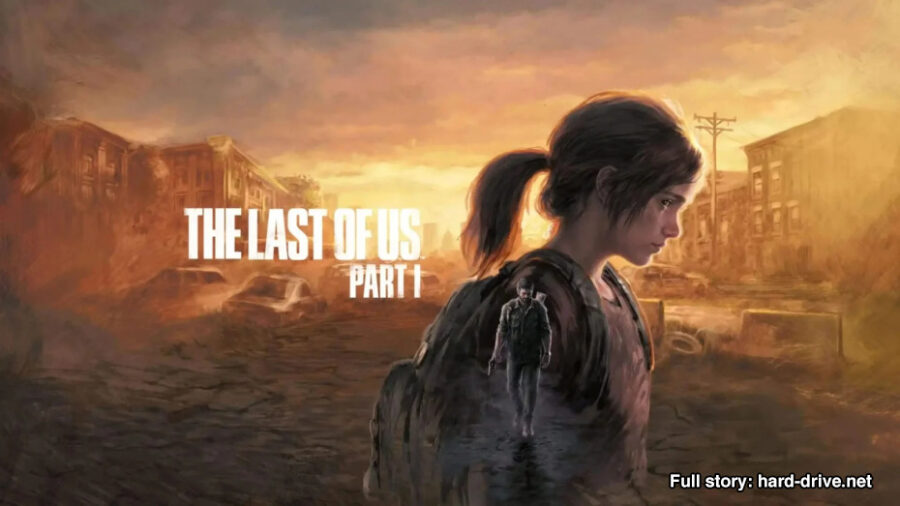
Sure, the show made me want to play the game. But then it felt kind of silly to play the game at the same time I was watching the show, so I waited until the end of the season. Then I forgot about it. Hey, I’m human.

4. Firewatch
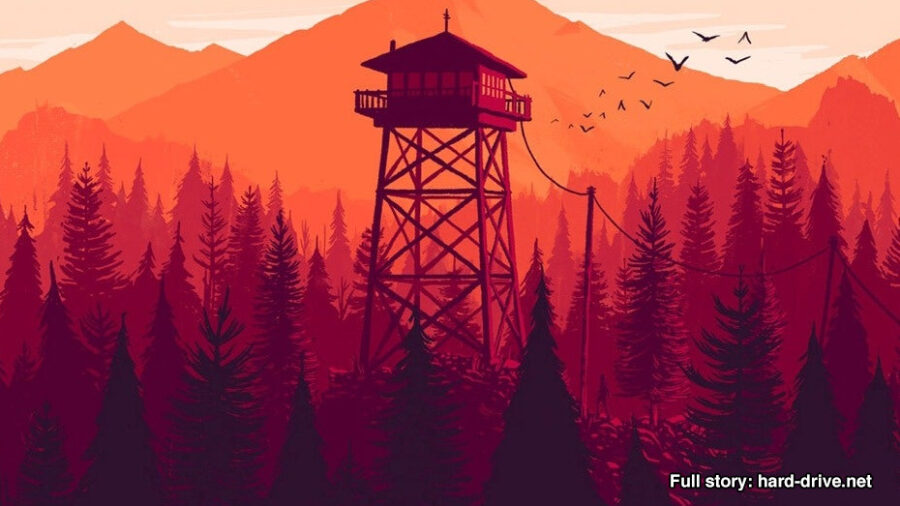
Literally every person on the internet told me to get this game, so I did. Honestly, though? It seems kinda boring.

5. Scribblenauts Unlimited

I loved the Scribblenauts game on DS when I was a kid, so when I saw that this game was on sale, I had to have it. That was seven years ago, and it was the last time I thought about Scribblenauts at all until I wrote this list.

6. Assassin’s Creed IV
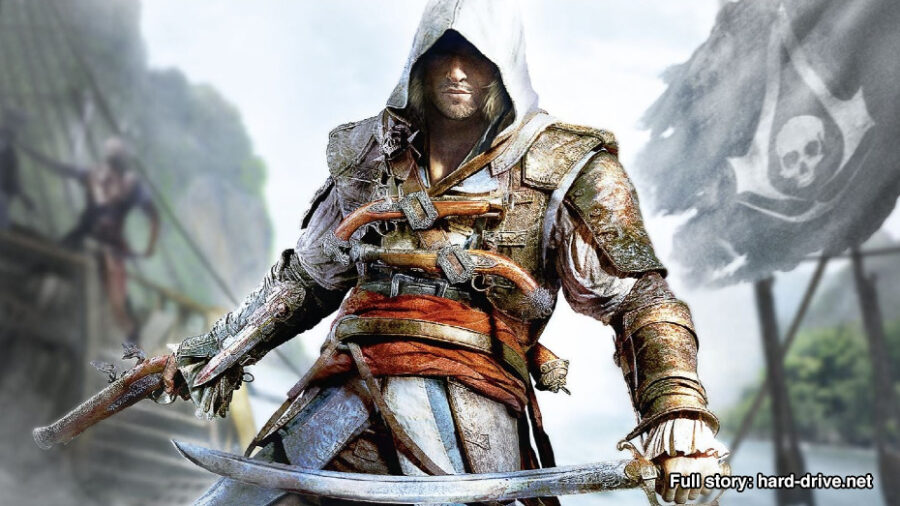
I read about how fun it was to be a pirate in this game for years, but I think I held off too long. Once I finally decided to pull the trigger, I just really didn’t feel like playing it. I just know there’s a ton of DLC included that clutters the game right when you start it. Ugh.

7. AI War: Fleet Commander
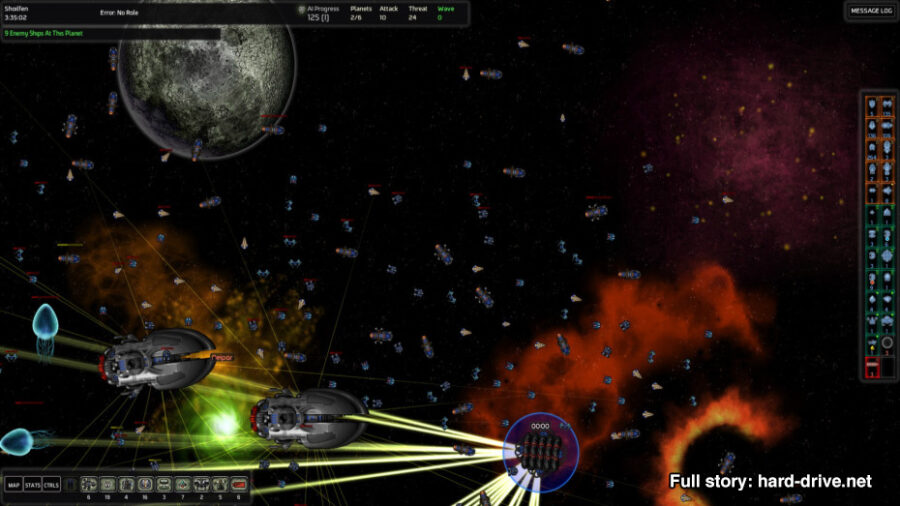
It’s okay, we all get a little big for our britches after reading The Art of War. It’s totally normal to realize you’ve gone too far after buying this game. That’s what I keep telling myself, anyway.

8. Brink

Hey, man. We all get caught up in hype. I’m not embarrassed about this at all.

9. Dave the Diver
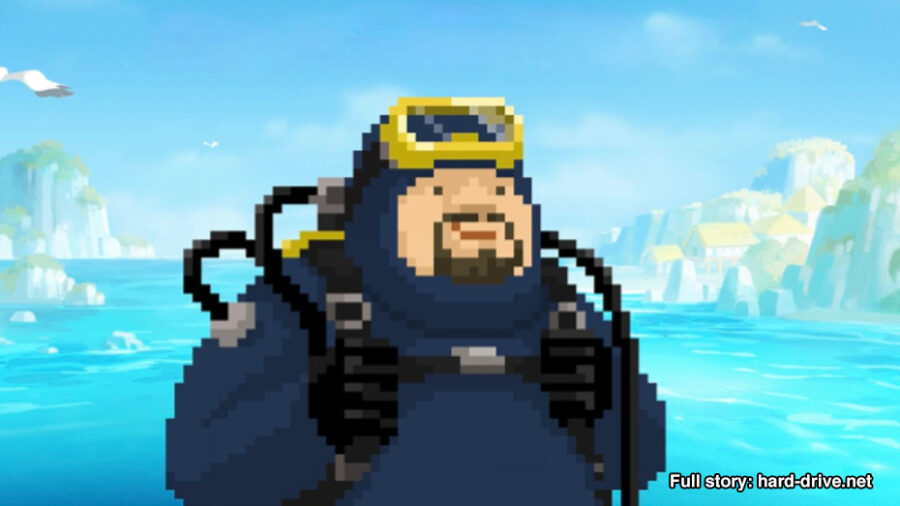
Oh, shit! I forgot I bought this game! But I was still working through Tears of the Kingdom, so I put it off until I finished that game. Then Baldur’s Gate 3 came out. Then Starfield. Unless Super Mario Wonder is shockingly terrible, I am never getting to play Dave the Diver.

10. Final Fantasy 4
I downloaded this on my phone so I could play it during breaks at work, then spent most of my breaks scrolling social media. This is a “me” problem.

11. L.A. Noire
Hoo, boy. I mean, I had to buy it, right? It was a big game when it came out, and it goes on sale all the time. It just seems like a whole thing, though.

12. Jurassic World Evolution 2

I liked the original okay, even if it was far from perfect. I’m not sure if the reason I haven’t played this is that I’m so burnt out on the original or if I’m worried this version won’t be enough of an improvement. I’m probably correct on both counts.

13. Call of Duty: Black Ops II

I just wanted to revisit the good ol’ days, man. Unfortunately, I didn’t do my homework and only learned after my purchase that playing Black Ops II in 2023 is the internet equivalent of wearing a t-shirt that says, “Please Mug Me and Steal My Debit Card.” Why is Steam still selling this game, again?

14. Fallout 4
I wanted to wait until the modders fixed it. Now I’m anxious about managing all the mods I would need to download. The duality of man, eh?

15. Celeste
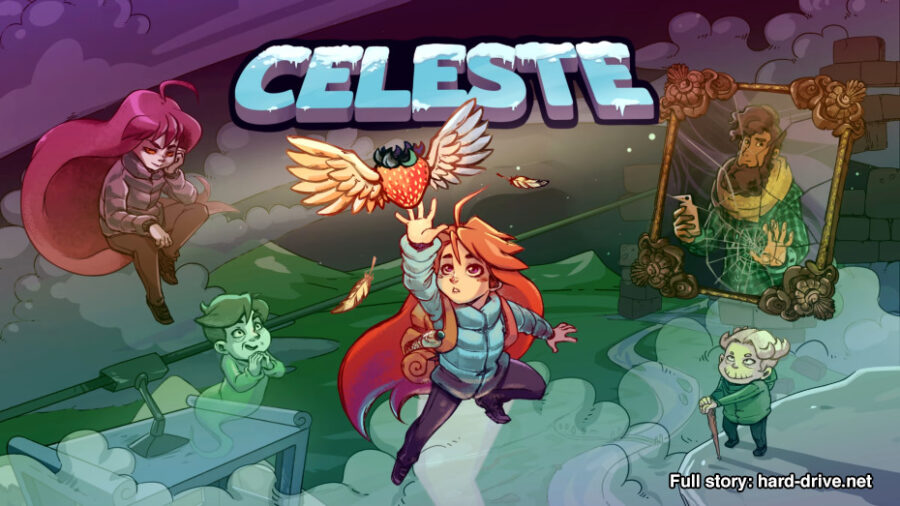
I hate playing platformers unless I’m really, really good at them, which means I need to set a lot of time aside to practice them. There’s just not enough time in the day for me to get good at Celeste.

16. Sonic Adventure 2

I think part of me thought that just by downloading this game, I could just make it 2001 again. It didn’t work. Seeing this game in my library fills me with angst.

17. Cave Story+
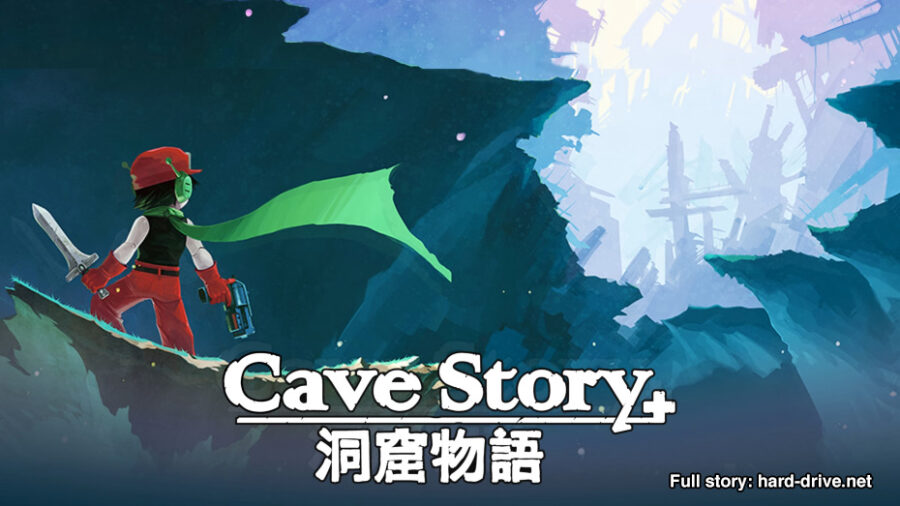
Cave Story+ got a really cool physical release for the Switch with a little keychain of one of the characters. I don’t know the character’s name, because I haven’t played the game. I’ve heard good things about it, which is basically the same as playing it.

18. Mount & Blade: With Fire and Sword

I have a really bad habit of buying sequels to games just as I’m getting bored with the original. You think I would have learnt my lesson by now, but I guess I just love spending money.

19. Sins of a Solar Empire: Rebellion

I’m just waiting for a single one of my friends to get this game so we can play multiplayer. I don’t want to start too early or else there will be a skill gap and the matches won’t be any fun.

20. Mirror’s Edge
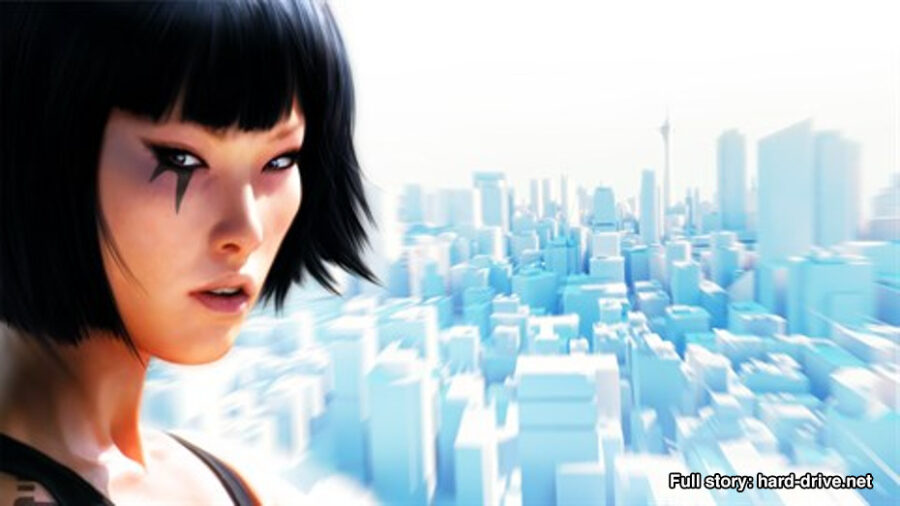
Bought it, then remembered I had watched my roommate play through the entire game in 2009. I’m sure it’s a lot more fun to play it yourself, but I can live with that for now.
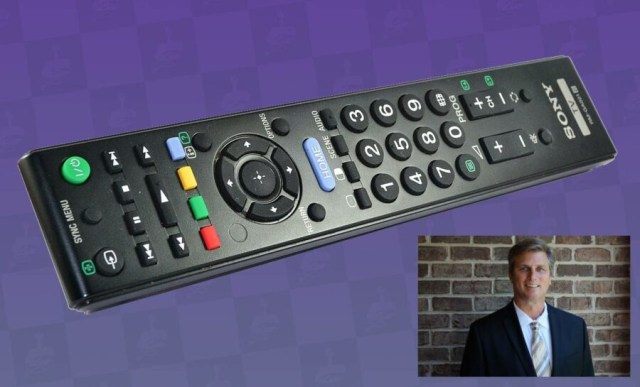
This New Remote Control Doesn’t Make Any Sense (Guest Review by Your Dad)

If you’re anything like me, you’ve used the same remote control for your TV for the last 15 years. Back then, they knew how to make a clicker that was easy to use: you just told your kid to get it set up for you, then after a few hours, it worked like magic. Nothing lasts forever, though, and now half the damn buttons don’t work and it keeps resetting itself  or something. Relatable, right?

My son told me that the manufacturer doesn’t make my remote anymore. I asked him why they would do that and he just said he didn’t know. So much for being our resident computer expert, I guess. Instead, he just got me this new clicker that he claims can do all the same stuff, even if it works a little differently than the old one.

Well, the supposed “solution” to my problem is a dud. There used to be a button on my old remote that just said “Watch TV.” If you pressed it, it did exactly that. Same with the “Watch Movie” button. Then, when you were done, there was just one off button you pressed to shut the whole thing down. Sure, sometimes it got a little screwy, but I could just call my kid and have him come over and fix it. After all, it was probably something he did that messed everything up to begin with.

But this new one doesn’t work at all! It’s got about eighteen million buttons, but you never know what any of them are gonna do. You’ve got to use a little wheel and look at a tiny screen to put it into the right mode, then you click a button. No human being could possibly remember it all. I wrote it all down, but my kid must have moved the paper on me when he came over for dinner the other night.

At this very moment, I’m looking at my TV that’s turned on while the cable box and surround sound are off. I know if I hit this power button, the TV’ll turn off and the other two will switch off. I just want to watch my Springsteen DVDs, for God’s sake.

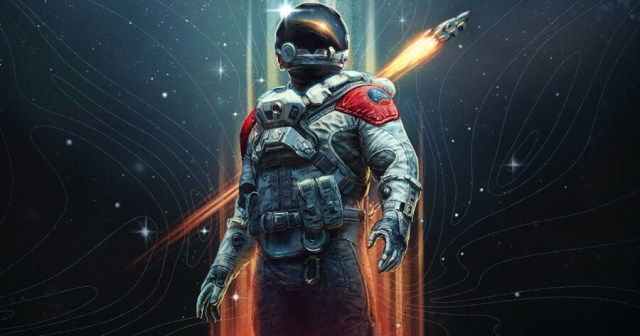
Starfield Manual Save Freeze & Crash Guide: How to Fix it

Having an issue you need to fix with a Starfield crash when you manual save? Starfield has been a relatively bug-free release thus far, especially for a Bethesda game, but some players are experiencing one significant glitch when attempting to save their game. This Starfield guide will help you identify and address the persistent problem.

Why Does Starfield Crash When Saving Manually?

How to fix Starfield manual save crash.

The issue arises when there are an excessive number of manual save slots in use. Starfield itself does not impose a hard limit on the number of save slots, so when players create too many save files for the game to handle, it simply freezes. The only solution is to delete as many of the manual saves as possible, if not all.

How To Stop Starfield Freezing On PC

  • Navigate to Local Disk (C:) / Users / <Your Username> / Documents / My Games / Starfield / Saves
  • Backup the entire ‘Saves’ folder as a precaution.
  • Excluding files named “Quicksave”, “Autosave”, and “Exitsave”, delete all other files containing the term “save”.
  • You should be able to boot into the game now.
How To Stop Starfield Crashing On Xbox

  • Ideally, you will have cloud sync set up already for Starfield.
  • Restore your game from the cloud to a point before the crashing began.
  • Once the game becomes playable again, simply delete as many manual saves as possible to avoid unintentionally going over the limit again.

Once you have achieved some degree of stability in the game, be sure not to create an excessive number of manual save files, and opt to simply overwrite previous manual saves instead.

That’s everything about how to fix the freezing and crash upon making manual saves in Starfield. Check out our guide on the exciting Starfield New Game Plus mode.

Newly Appointed Mario Ambassador Charles Martinet Struggling With U.S. Socioeconomic Mario Policies

WASHINGTON  — Charles Martinet, previously known as the voice of Mario, is reportedly struggling with his new role as Mario Ambassador, particularly the responsibilities tied to socioeconomic and geopolitical Mario relations between the United States and Nintendo.

“I have to organize a meeting between Shigeru Miyamoto, Doug Bowser, and Joe Biden with the goal of discussing how much Mario is allowed to flow into the U.S. on a quarterly basis,” said a visibly stressed Martinet. “I thought this gig was just going to be attending conventions, signing plushies, and doing a ‘wa-hoo’ every time a fan asked. Now I need to meet with the Joint Chiefs of Staff to negotiate the military use of Mario during wartime!”

While Martinet was the voice of iconic Nintendo characters such as Mario, Luigi and Wario, he has frighteningly little knowledge of the ins-and-outs of the newly created Mario Ambassador role. Outside of previously portraying Mario in 2007’s Mario & Luigi: Political Panic, Martinet has no prior experience in international corporate relations.

“It was my understanding this was going to be a nothing job, basically a soft retirement. I think doing this is going to give me a heart attack,” continued Martinet. “I’m pretty sure Nintendo of America just declared war on Brazil because I blurted out ‘It’s a-me!’ to a question I wasn’t listening to during a Pentagon meeting.”

Shigeru Miyamoto, longtime Nintendo employee and visionary, went into more detail on the Mario Ambassador role during a special Mario Ambassador announcement video filmed at the White House.

“I’m gonna keep it real, when we created the Mario Ambassador role, we had absolutely no fucking idea what that meant or what [Charles] was going to be doing,” said Miyamoto during the Direct. “Now that we’ve developed the role a bit, I think the clear path is using Mario Ambassadors to spread Mario Political Ideology in different countries of interest to Nintendo.”

“After that, it’s just a matter of staging Mario Coups to put Mario Political Puppets into power,” Miyamoto continued. “We’ll discuss this more during a future Nintendo Direct, so stay tuned!”

Miyamoto ended the Direct by playing the Nintendo Company Anthem as a parade of Mario Soldiers marched down Pennsylvania Avenue.

Discord Vows To Kill One Hostage Every Hour Until You Update Your Username

SAN FRANCISCO — Fed up with non-compliance, online communications giant Discord has announced their plans to kill one hostage every hour until you finally update your username.

“These fuckers keep pressing ‘remind me later’,” said Jason Citron, CEO of Discord who had just broken into a bank with an AR-15 and Richard Nixon mask. “So listen up, I’ll make this very simple. Every sixty minutes that you don’t change your username to phase out numbers, one of these innocent people dies. I’m not fucking around. I’ll do it. This is what happens when you don’t follow directions. People die. Shit, have I been on push to talk this whole time?”

Citron’s message is spreading fast, and Discord users are having mixed reactions to it.

“I booted up Discord, and it asked me to change my username,” said gamer Patty Thompson, “I clicked ‘No,’ because fuck that, and then I had to read this long message, manifesto really, about how what I was doing was dangerous, and how I’d have blood on my hands. Then it shows me this 43 year old mother of three that they’ll ice if I don’t take a minute to change my name. Nuts to that, I’ve been PudMonster#4209 for years now, and it’ll take more than killing some Karen to change that.”

The hostage situation grew more tense as SCPD officers and negotiators arrived.

“I wish this wasn’t so common,” said SCPD lead negotiator DeWayne Philmon, “I remember when Mark Zuckerburg strapped C4 to his chest and threatened to pull the trigger if people didn’t start using the new Facebook layout. We talked him down by offering him various meats to smoke, but this Discord guy won’t budge. I asked them if they wanted pizza or something, and he just sent back a bunch of cutesy loading messages. This is gonna be a bloodbath.”

At press time, gamers were trying to go back to Ventrilo or Skype, telling themselves it was probably worth all of the deaths to use a better application.

Final Fantasy 7 Ever Crisis PC Guide: How to Play it On PC

Want to play Ever Crisis, the latest Final Fantasy 7 spinoff, on PC? Final Fantasy 7: Ever Crisis, the latest spin-off to the iconic Final Fantasy 7 is finally here, and if you’re wondering when and where you can play it, we’ve got you covered. This Final Fantasy VII: Ever Crisis guide will also walk you through how you can play this F2P mobile-exclusive game on PC, instead of a tiny smartphone screen.

When Does Final Fantasy VII: Ever Crisis Come Out?

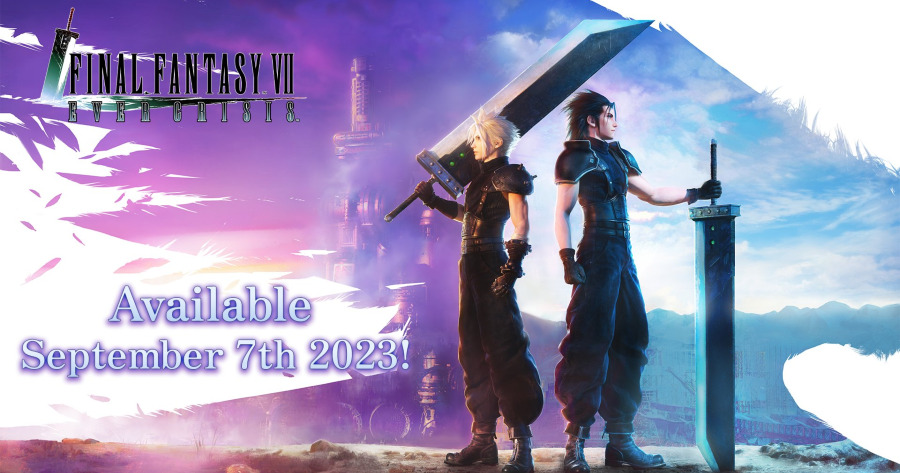
The game is now playable across mobile devices! As of September 7, the game has been released on Google Play and the App Store. But, if you would rather play on a bigger screen with a more powerful device, how can you make it happen?

Can Final Fantasy 7: Ever Crisis Be Played On PC?

Can you play Final Fantasy 7 Ever Crisis on PC?

Not natively no, but through Android emulation, it can. Follow these steps to get Final Fantasy VII: Ever Crisis up and running on PC:

  1. Download BlueStacks 5 to your PC and install it.
  2. Run ‘BlueStacks multi-instance manager’, and click on ‘Instance’ in the bottom-left corner of the app.
  3. Select ‘Fresh instance’, then select ‘Nougat 64-bit’ from the “Choose Android Version” dropdown menu, then click Next.
  4. For the dropdown menus here, select:
    1. ‘High (4 Cores)’ for “CPU cores”.
    2. ‘Enhanced (4 GB)’ for “Memory allocation”.
    3. ‘Landscape’ and ‘1600 x 900’ for “Resolution”.
    4. ‘X86 & ARM’ for “ABI setting”.
    5. ‘High Performance’ for “Performance Mode”.
  5. Select the ‘240’ radio button for “DPI”, and click Create.
  6. Back on the main screen of the BlueStacks multi-instance manager, click ‘Start’ on your brand new Instance in the list.
  7. The initial boot will take some time to complete, and may even seem like it has stalled, but be patient.
  8. Once launched, go to ‘Settings’ in the bottom-right corner, and under ‘Graphics’ in the left menu, select:
    1. ‘Compatibility’ for “Graphics engine mode”.
    2. ‘DirectX’ for “Graphics renderer”.
    3. Click ‘Save Changes’.
  9. Under ‘Phone’ in the left menu, set “Choose a predefined profile” to ‘OnePlus 5’. Save Changes again.
  10. Reboot the app. It will load a lot faster this time.
  11. From within the instance, load the Play Store app, login and then proceed to download, install, and finally run Final Fantasy 7: Ever Crisis!

It’s also worth keeping an eye on the Google Play Games app for PC. There’s no support for Ever Crisis on the app yet, but perhaps it will come sometime in the future.

That’s everything there is to know about how to make Final Fantasy 7: Ever Crisis playable on PC. Check out our guide hub for another great JRPG, Sea of Stars.

Starfield Pre-Order Bonus Guide: How to Claim Pre-Order DLC

Looking to claim your Starfield pre-order bonus set? Bethesda Game Studios’ long-awaited Starfield is finally here, and players with early access are already deep into its massive universe. Pre-order players also received another bonus in the form of a cosmetic pack. But if you’re one of those who just can’t seem to figure out where to retrieve them, don’t worry we’ve got you covered with this Starfield guide.

How To Claim Starfield Pre-Order Bonus Pack

Begin by confirming that you have the actual DLC files on your particular platform of choice. Navigate to the game library, select the game, then add-ons/DLC for the game and make sure that the relevant files show as being downloaded locally. The DLC is titled Starfield: Old Mars Skin Pack.

Next, head in-game and complete the tutorial before embarking on the main questline. Once you arrive at The Lodge, you will gain access to the necessary Workbenches–Weapon and Spacesuit–that in turn allow you to apply the Old Mars skins to your gear.

What Is In The Starfield Pre-Order DLC?

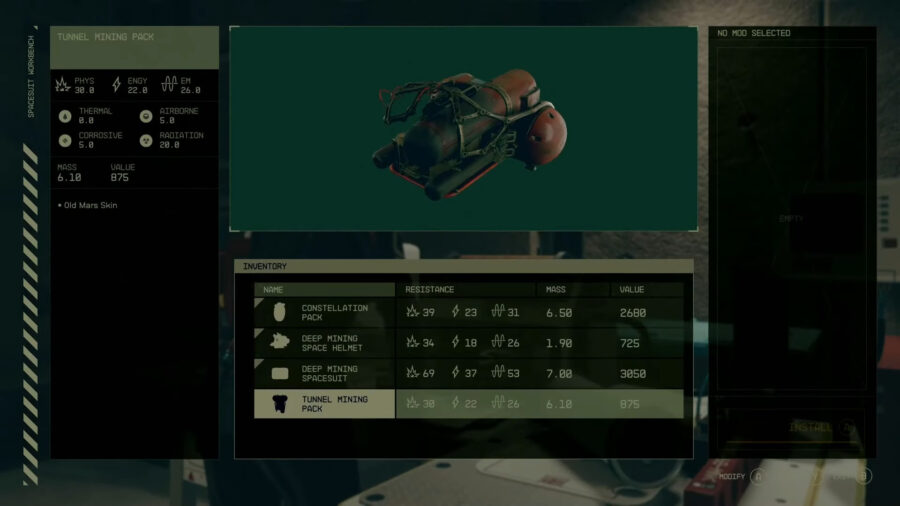
The pack is entirely cosmetic, and consists of the following skins:

  • Old Mars Laser Cutter
  • Old Mars Deep Mining Space Helmet
  • Old Mars Deep Mining Pack

It’s important to note that this particular “Old Mars” skin pack can only be applied to the Laser Cutter weapon, and the Deep Mining armor set with the exclusion of the Spacesuit itself, sadly.

How To Claim Starfield Premium Bonus Pack

After claiming your pre-order bonus for Starfield, you can get your premium pack if you own a pricier edition of the game. Once again, confirm that you have the actual DLC files on your particular platform of choice. Navigate to the game library, select the game, then add-ons/DLC for the game and make sure that the relevant files show as being downloaded locally. The DLC is titled Starfield: Premium Edition Content.

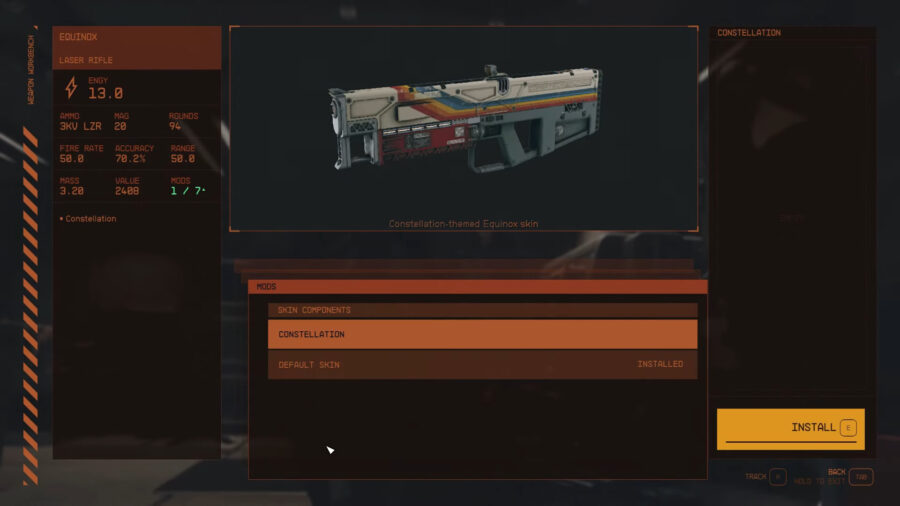
Once in-game, complete the tutorial and proceed with the main questline until you are progressively rewarded with each of the three pieces comprising the Constellation set. Then use any available Spacesuit Workbench to apply the Constellation skins to each piece, while using a Weapon Workbench to apply it exclusively to the Equinox Laser Rifle.

What Is In The Starfield Premium Pack?

How to claim your pre-order bonus in Starfield.

Also a cosmetic pack, this DLC consists of the following skins:

  • Constellation Equinox Laser Rifle
  • Constellation Spacesuit
  • Constellation Space Helmet
  • Constellation Boostpack

Once again, the “Constellation” skins can only be applied to this particular Constellation armor set, and the Equinox Laser Rifle weapon.

Finally, if you’re wondering about your Starfield: Shattered Space story expansion DLC, that will be available sometime next year, rumored to be March 2024. That’s everything you need to know about claiming your Starfield pre-order and premium bonus. Check out our related Starfield guides on acquiring and using Digipicks and what to expect in New Game Plus.

Every ‘Mario Party’ Level Ranked by How Good They Would Be To Host Your Wedding Reception

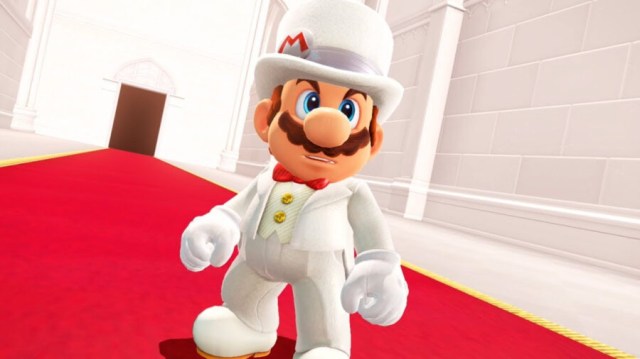
People have been wondering how they find “the one” since humans had the mental capacity to understand loneliness and the physical dexterity to play an instrument while awkwardly singing at someone. The answer is simple. You just have to be you, put yourself out there, and play a lot of Mario Party. Whoever you don’t end up swearing a blood-oath of vengeance at after a game, that’s the one. There is no stronger test for love. Now that wedding bells are in the air, here’s every mainline Mario Party board ranked by where your reception should be.

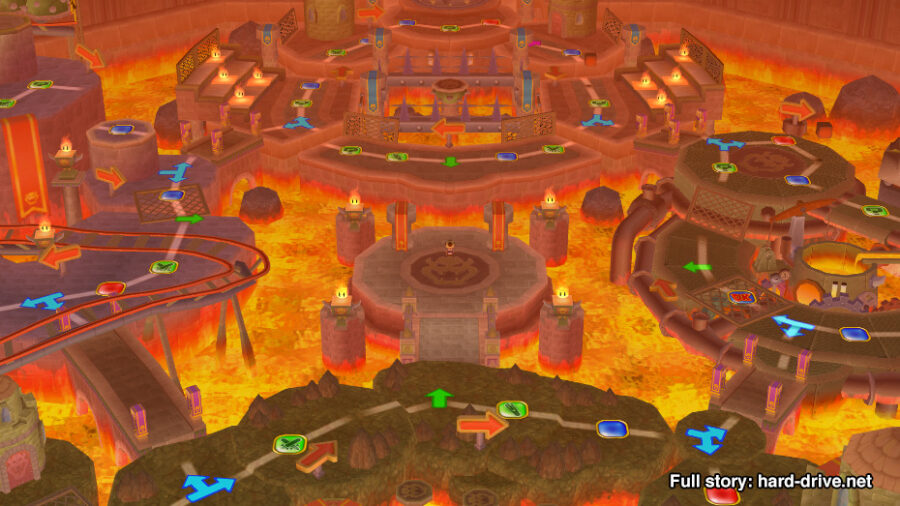
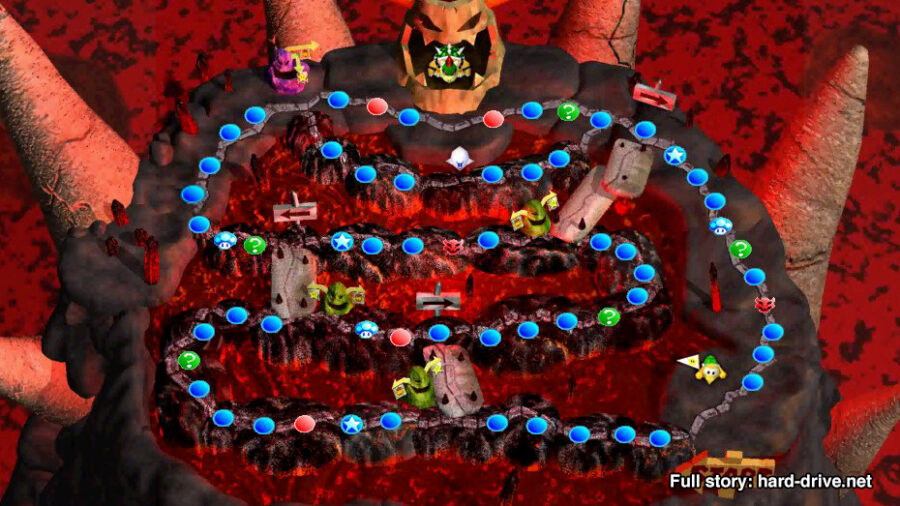
67. Chaos Castle (Mario Party 10)

This is a scam. All the marketing materials show a grand castle, but when you get there you’re told you’ve only rented the lawn and that the lawn is a giant pool of lava.

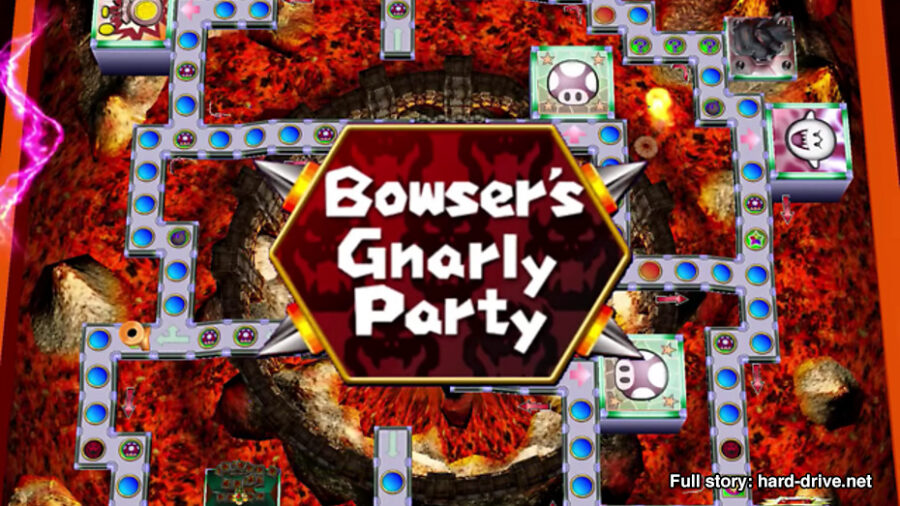
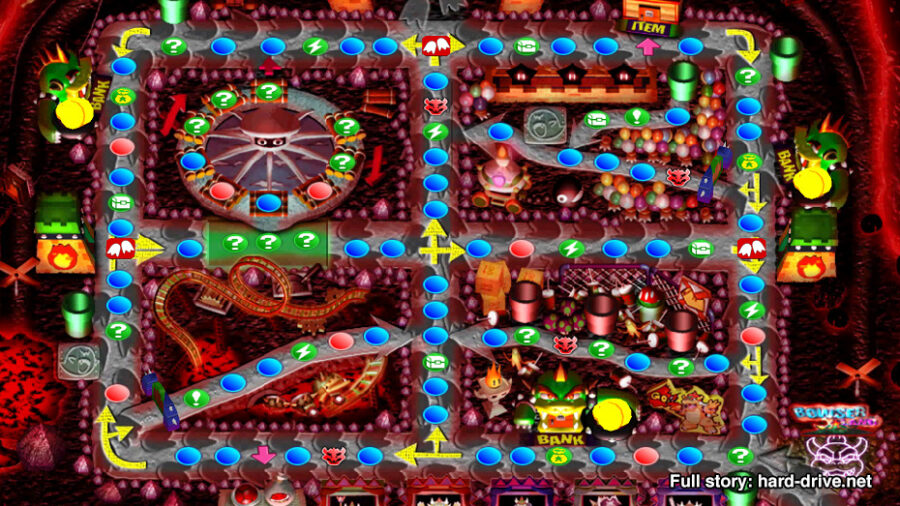
66. Bowser’s Gnarly Party (Mario Party 4)

Another venue that is mostly lava with absolutely no room for tables! Everyone is going to have to stand and hold a plate to eat, which is fine for a cocktail hour, but is a real bummer for dinner.

65. Bowser Station (Mario Party 9)

There’s even less space here, but it gets bumped up because with no gravity, standing isn’t really an issue. Eating food that’s constantly floating away will be tough, but at least your guests’ legs won’t get tired.

64. Magma Mine (Mario Party 9)

Your photographer is not going to be happy with the lighting down here. Also, lava is constantly rising to burn you and your guests alive, but mostly the photos of them dying are going to be underexposed.

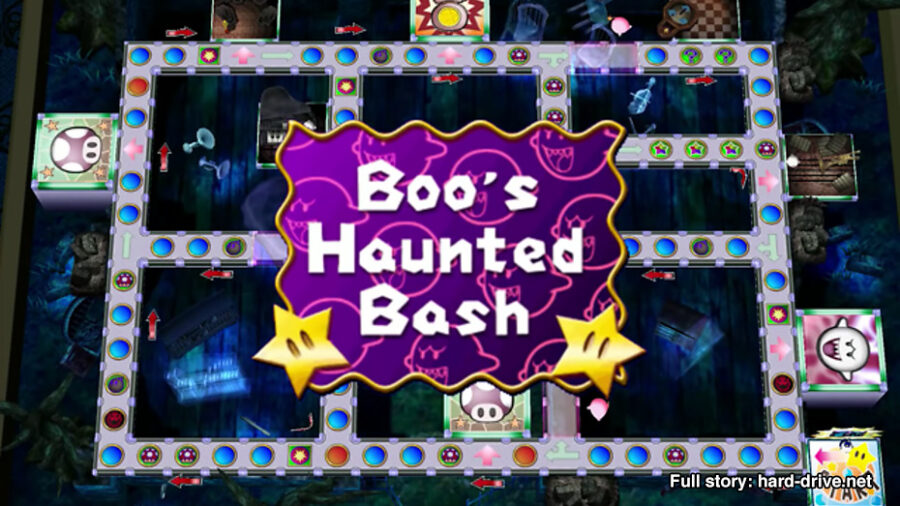
63. Boo’s Haunted Bash (Mario Party 4)

Do we really need to tell you to not have your reception in a haunted house? Too much can go wrong! Someone could get possessed and try to kill everyone else. Blood might drip from the ceiling and ruin your donut wall. Three dudes with busted Geiger counters could crash the party and not shut up about a cold spot by table 5.

62. Boo’s Horror Castle (Mario Party 9)

If you’re dead set on having your reception in a haunted house, at least do it in this mansion. You’ll probably be dragged to hell in a pool full of black ichor, but at least it HAS a pool!

61. Haunted Trail (Mario Party 10)

Technically your reception wouldn’t be IN a haunted house here, but it’s still a bad idea. This is slightly better because angry spirits can’t lock you inside while they set it on fire and have your party join their damned ranks.

60. King Bob-Bomb’s Powder Keg Mine (Super Mario Party)

Unless “Black Lung Chic” is in your wedding mood board, it’s recommended to avoid the Powderkeg Mine.

59. Bowser’s Enchanted Inferno! (Mario Party 7)

Renting out a whole amusement park for your reception is pretty sick and this is the most budget friendly option since everything is on fire

58. Bowser Land (Mario Party 2)

For those divas who want to upgrade to a not-on-fire option, Bowser Land is still affordable to rent out, but still pretty deadly.

57. Wario’s Battle Canyon (Mario Party)

A warzone is a terrible spot for your wedding reception, which is unfortunate because what could really quell the feuding Bob-Bombs here is seeing your true love

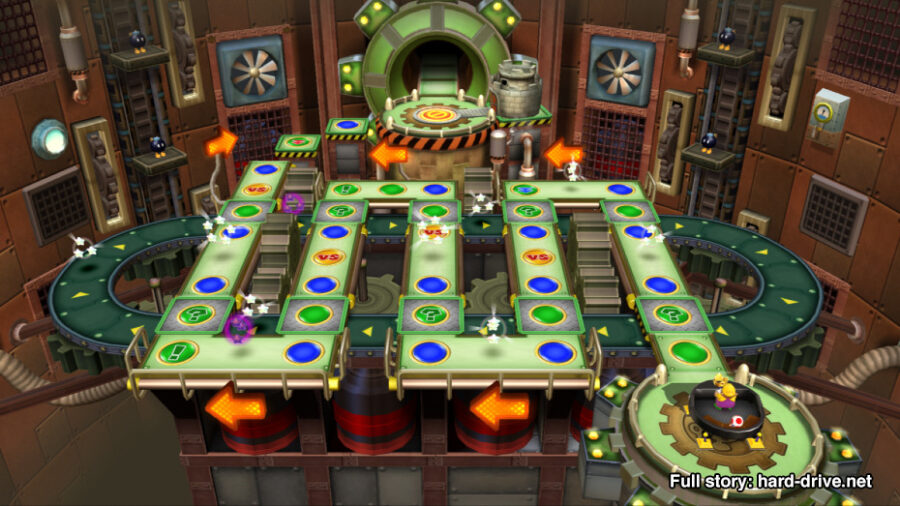
56. Bob-bomb Factory (Mario Party 9)

This place is barely set up to be OSHA compliant, let alone set up for you and your guests to drunkenly do The Cupid Shuffle.

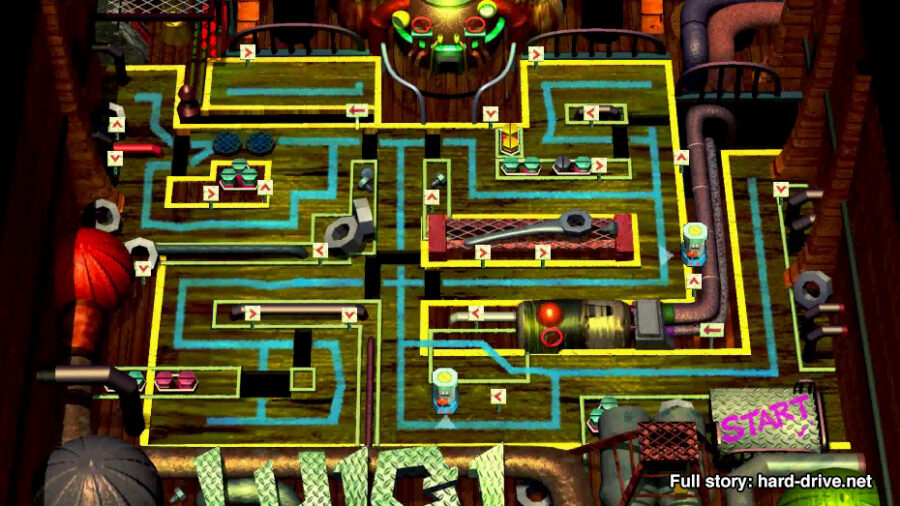
55. E. Gadd’s Garage (Mario Party 6)

Another venue that’s a total trap. You will be inviting your friends and family to be used as guinea pigs in a warehouse full of a mad-man’s horrifying inventions. It’ll turn into your Big Fat Jigsaw Wedding.

54. Bowser’s Magma Mountain (Mario Party)

Everyone is going to sweat there asses off, plus Bowser has locked himself in the DJ booth and is only playing his playlist, “We Are Family 24hr Mega-Mix”

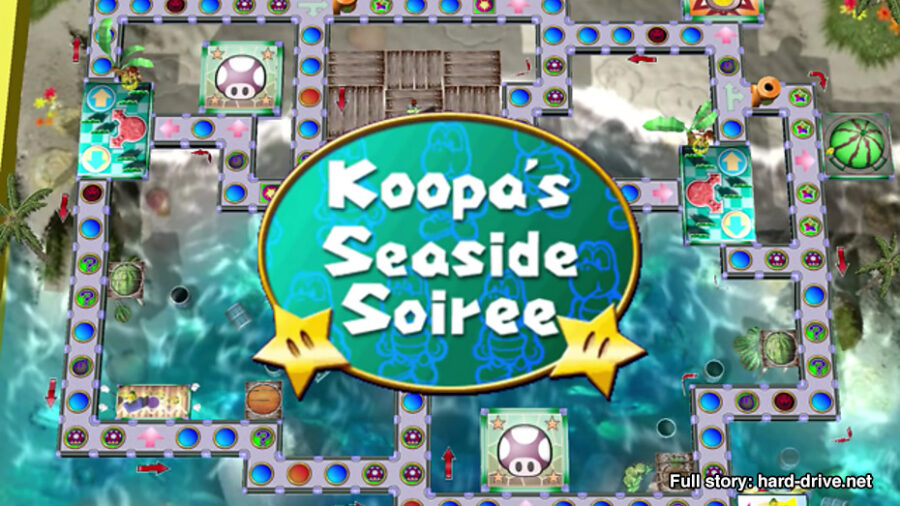
53. Koopa’s Seaside Soirée (Mario Party 4)

Koopa’s in way over his head here. He’ll keep telling you everything’s ready, but he doesn’t have any infrastructure set up for events like this, the only building keeps getting washed away, and he’s mysteriously MIA when you ask for a refund. A documentary will be made about this terrible reception.

52. Snowflake Lake (Mario Party 6)

This winter-wonderland was recently bought by Mike Lindell. He’s going to rebrand it as “No Snowflakes Lake: A Very White Retreat For True Patriots”. It’ll suck for your reception, but you’ve probably got an uncle who would love it.

51. Luigi’s Engine Room (Mario Party)

It’s hot, cramped, and covered in oil, so unless your wedding theme is “The Rave From The Second Matrix”, it’s best to look elsewhere”

50. Peach’s Birthday Cake (Mario Party) 

Getting your cake, flowers, and venue all wrapped in one seems like a great deal, but you just can’t have someone else’s name splattered all over the place on your special day.

49. DK’s Treetop Temple (Mario Party 8)

You don’t want someone else’s name everywhere and you definitely don’t want their face! The only people with giant, terrifying statues at your reception should be you and your partner!

48. Creepy Cavern (Mario Party 3)

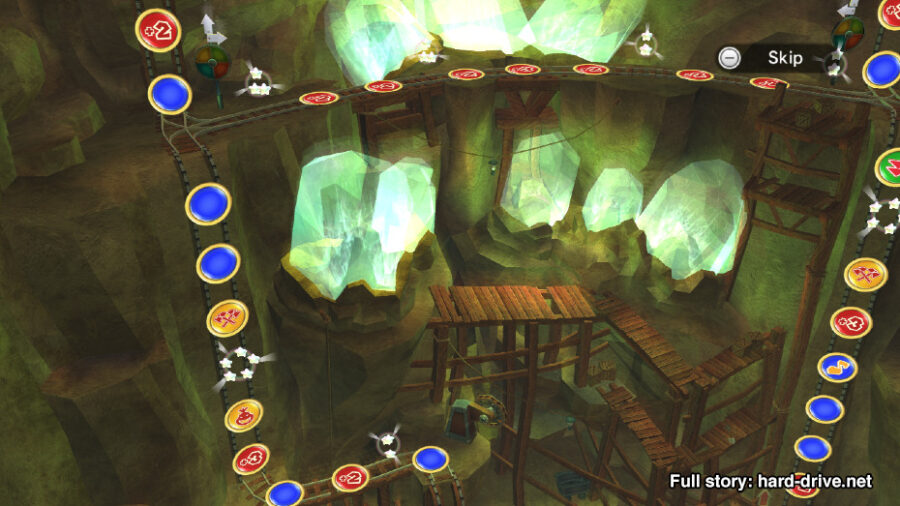
If you are willing to risk one of the many Thwomps and Whomps causing a cave in as they jump for the bouquet toss, you can not beat the lighting design down here.

Stay Updated on The Latest Punk News

Get the latest punk news delivered straight to your inbox

We'll store and process this information to provide you our products and services. You may opt out of this at any time.