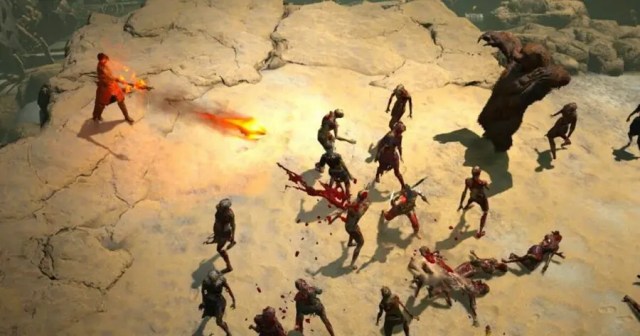
An upcoming Diablo IV update will reportedly revolutionize how players hold down the left mouse button.
“We have been working on finalizing this exciting update for quite some time,” said head of Blizzard development Robert Sebastian. “This is something the team is really excited about and we hope it will give players even more freedom from the rather complicated multi-button games out there.”
The new update will reportedly allow Diablo IV players to bind every single action in the game to one key, granting them the ability to slay thousands of demons with the literal push of a button.
“Players could theoretically make a milkshake, call a friend, or even file their taxes while also taking on over 45,000 enemies,” said Sebastian. “Players can move forward and backward, shoot fireballs and reanimate corpses with just this one button. And you won’t even need to press it as many times anymore.”
Diablo IV players said they welcomed the update, as ultimately just clicking away to annihilate hordes of demons, monsters, and other ugly things can become a bit burdensome.
“I kinda fell off after playing the game a bit in the beginning,” said Dan Publin. “Using both my hands to grind really caused a lot of strain, both physically and mentally. This couldn’t have come at a better time. I’m ready to give it another go.”
“The original idea was to add a “Win Now” button to Diablo IV,” said gameplay manager Logan Shugdun. “But we discovered players wanted to have at least a little input in the game. With the new one-button feature, which we are calling Diablo: Express, players don’t need to worry about remembering complicated key bindings.”
At press time, Blizzard is also reportedly working on adding the new feature inside Diablo IV’s in-game store, streamlining the shopping process for players by allowing them to buy every cosmetic with a single click.
The first of two anticipated updates we announced in yesterday's post is finally here! Please make sure that you have the latest (1.0.3) version of the game installed.
List of changes:
Increased HP for the Hand boss and reduced the distance by which it could move away from the tower.
Increased the armor for titans’ body parts.
Increased the damage and HP for the final boss.
Increased the damage for the Death boss.
Increased the target updating speed for all units. Now, the units will find a new target according to their order faster.
Added the 3rd upgrade level for the “Statue of Majesty” machine.
Added animation of body parts flying into the cauldron in the titan creation window when adding body parts to the recipe.
Cleaned away a small area of fog of war around the mini bosses when they appear.
Fixed an issue with bosses being spawned in mountains and getting stuck in textures.
Fixed an issue with the units not shooting near enemies.
Fixed an issue with the units incorrectly setting priorities when choosing a target.
Fixed an issue with the tower health bar overflowing.
Fixed an issue with the camera moving to the tower instead of the unit's actual position when one was just created and selected during a pause.
Fixed an issue with visual artifacts appearing in the main menu on square monitors. Black bars will now be displayed.
Fixed an issue with the game working incorrectly on a 1440x900 monitor resolution.
Fixed an issue with the VFX of the “Pocket Magnet” artifact.
Fixed an issue with the SFX not changing after defeating mini bosses.
Fixed an issue with the portal icon being overlapped by the swamp textures.
Fixed an issue with the tutorial windows being rendered incorrectly.
Fixed an issue with the animation of the newly created unit displaying incorrectly.
Fixed an issue with the inventory malfunctioning after ALT+TAB.
Stay tuned to not miss the next update, which will fix the AI of units and add other improvements!
WWE WrestleMania XL Night 2 is set to be one of the biggest nights of the year for the company, but what time does it start?
The show takes place on Sunday, April 7th from the Lincoln Financial Field in Philadelphia, and as such, you’ll need to be aware of the global time differences if you want to watch the event from further afield.
As is usually the case for fans in the likes of the UK and Europe, it will be a very late night, but thankfully it isn’t quite as long as usual.
The change of time from the company means that fans across the globe can catch all of the action a bit earlier, meaning that they won’t fall asleep ahead of the main event between Roman Reigns and Cody Rhodes.
Usually, WWE Premium Live Events events would start around 9:00 PM ET, but the main card of Night 2 of WrestleMania XL will be starting at 8 PM ET.
This means that fans in the UK will be able to start watching the start of the event from midnight on Monday, April 8th 2024 as opposed to 1 am as they would usually have to.
Make sure you check out more of the content we have via our Minus World section and if you want to see more pro wrestling or combat sports you can check out my site FightFans!
Hi everyone. We have a small hotfix for you to address some of the reports we have received following the Modding Wavelet patch. We'll keep working on bug fixes and going through the feedback you share with us, but we wanted to get these fixes out as soon as possible.
Please note that we're still investigating the issue causing mods to not initialize when you first start the game. If you encounter this issue and no mods are shown, please restart the game. If that doesn't help, we would appreciate a bug report here
Fixed crashes to desktop or other problems after starting a new game on a map that has pre-placed buildings with fences
Fixed cases where logging out of the Paradox account would prevent accessing mods again
Fixed issue causing no mods to show up in-game
Fixed darkening of map thumbnail and preview images
Fixed various localization glitches
Replaced generic popup with a searchable popup for existing mod selection in Save/Map upload panel
Updated Paradox Mods branding icons in various places
Added badges for DLC content and Paradox Mods data source content in relevant panels (Load, New game, Asset picker etc..)
Added page scrolling via mouse wheel in What's New Panel
Added youtu.be and discord.gg to supported external link popup resolver
Fixed issues where uploading images and previews containing space would fail in Save/Map upload panel
Improved sanitization of version number in Save/Map upload panel
And here's the usual reminder that bug reports should go on the forum. Thank you for taking the time to report issues you come across, we really appreciate the logs and savegames you provide!
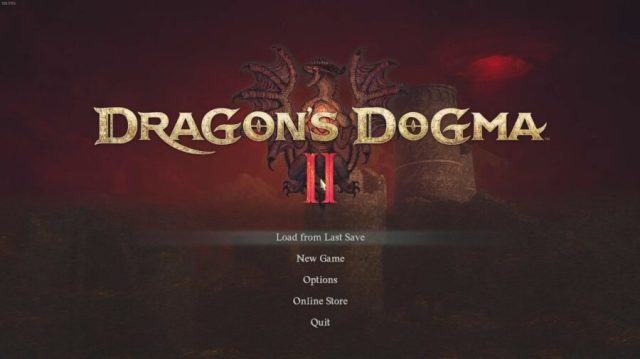
Once you’ve finished Dragon’s Dogma 2, and slain your nemesis in battle, the next natural step would be New Game Plus for a new challenge. However, that is not the true continuation of the game, and some players have even found the difficulty to be lacking. If you’d like to play Dragon’s Dogma 2 in truly hardcore mode, find out how to unlock the true ending questline.
Dragon’s Dogma 2 Unlock True Ending
Dragon’s Dogma 2 True Ending Splash
Spoiler alert. While riding the Dragon to the battlefield, make your way towards the head, and then to the side over the shoulders. Don’t worry about falling off, as the game will have you grab on to the Dragon automatically as you make your way to its glowing scar. Access the Empowered Godsbane Blade from your inventory, and stab yourself with it, while in this position.
A cutscene will unfold with you and the Dragon plummeting to the waters below. At the end of it, the splash screen pictured above will appear.
Dragon’s Dogma 2 True Ending Questline
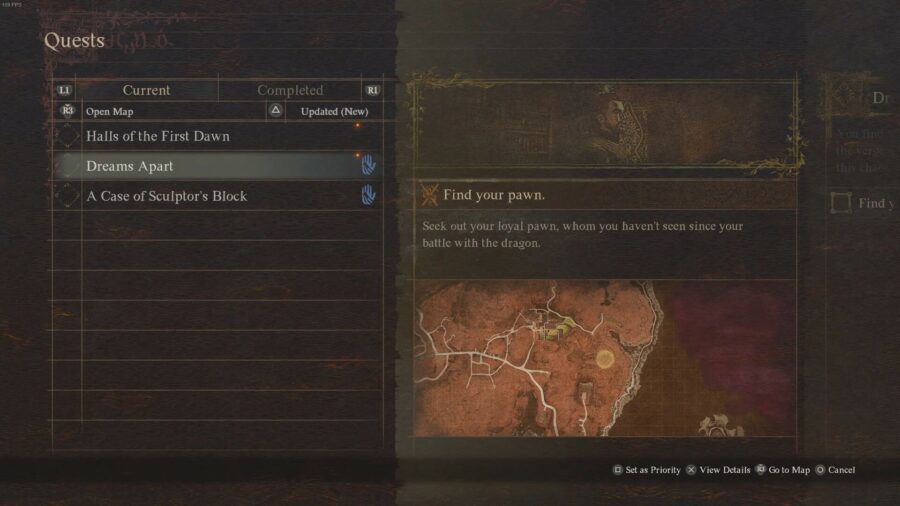
Once you’re back on dry land, your true ending questline will begin, with finding your Pawn being your first priority.
Dragon’s Dogma 2 Unlock True Ending After Normal Ending
Dragon’s Dogma 2 True Ending Ghost
If you’ve already fought and bested the Dragon, or even if you’ve gotten the bad ending, you still have an opportunity to access the true ending.
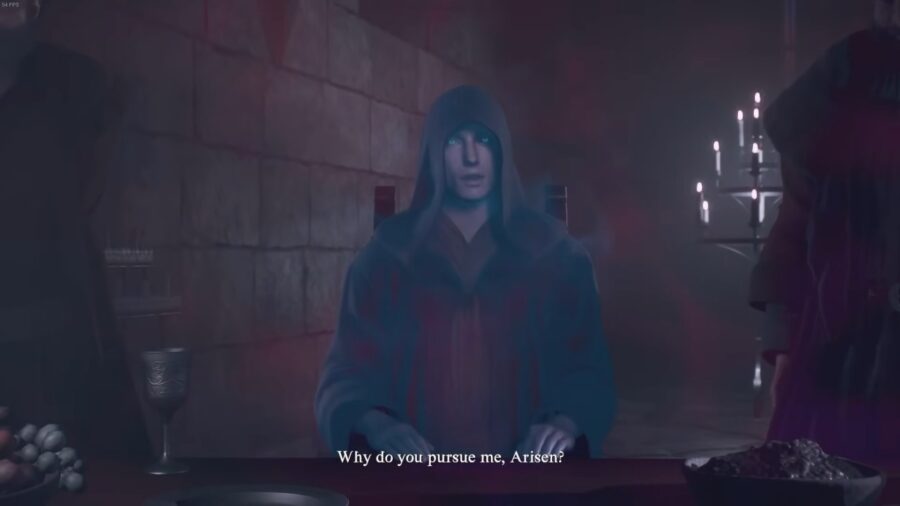
During the credits, do NOT sit on the throne. Instead, walk up to the ethereal hooded figure seated at the table to the left of the throne, and hail him. Once the cutscene is over, you can choose to either sit on the throne, or hail the ghostly figure a second time, as he stands amidst the crowd in the middle of the room. Do the latter and watch the cutscene.
You will find yourself back riding the Dragon to the battlefield, where you will have the opportunity to stab it through the heart with the Empowered Godsbane Blade as detailed above.
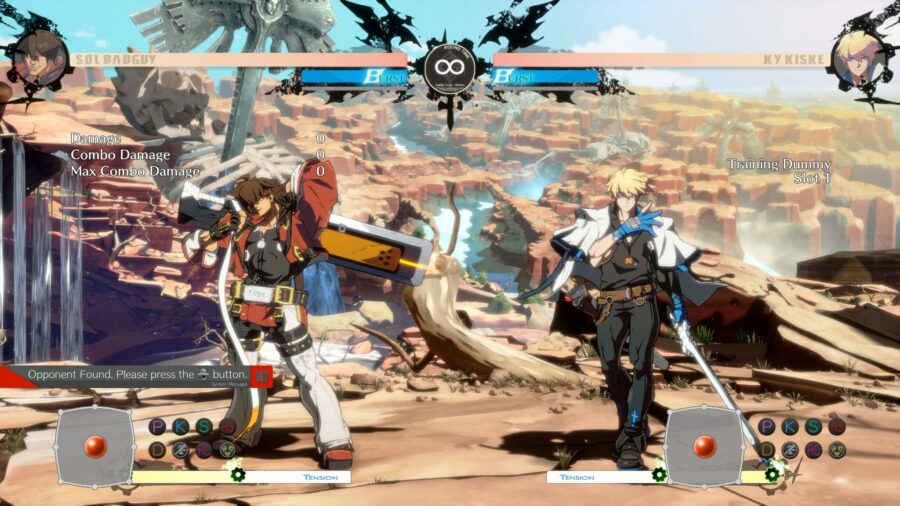
If you’re like me, then there’s a chance you may have downloaded a game like GUILTY GEAR -STRIVE- because the characters looked really cool, even though you’ve never touched a fighting game before. Worry not dear reader — if you find yourself in this camp I’ve got you covered with a simple guide that can help even the most ignorant fighting game novices leave behind button-mashing and maybe even bag a few wins.
Step 1: Learn the Terminology
Everyone knows that getting better at fighting games requires a deep understanding of jargon that would confuse even the most seasoned FPS or RPG players. Words like “zoning,” “hurtbox,” “teching,” and “combo” will need full commitment to the aspiring player’s mind. You’re thinking of re-reading Harry Potter? Wrong, it’s time to go back to school buddy; get yourself a fresh college ruled notebook and start dusting off those test-memorization techniques.
Step 2: Obtain a Quality Gamepad
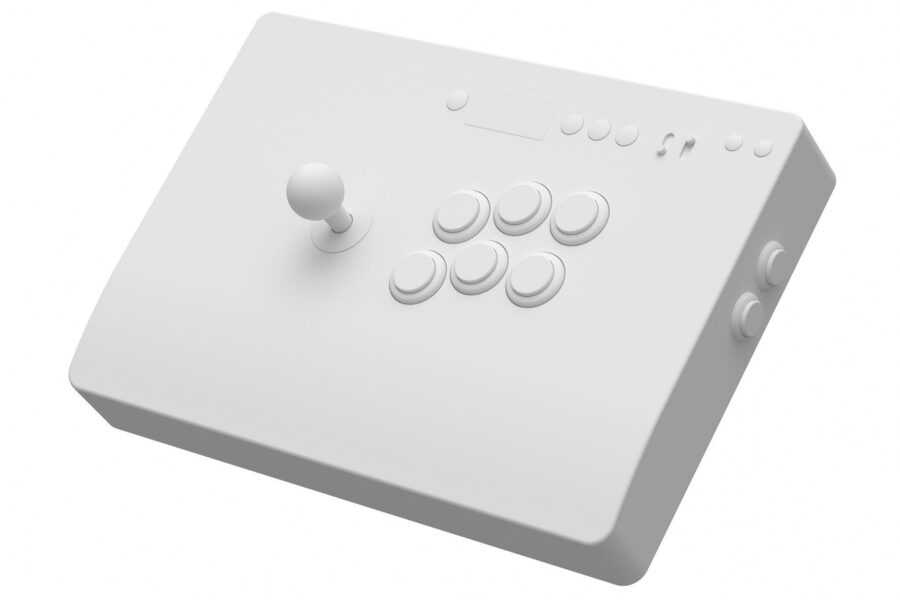
If you think you’ll hold up against anyone else using that cheap, high-latency, no-name bluetooth controller from Amazon think again. You’ll at least need to get something wired, preferably with a few more buttons than a stock console controller would offer. I’d recommend finding an affordable arcade-style controller with a wired connection, or you could spend a few extra bucks and cut to the chase by disassembling an old fighting game arcade cabinet and soldering its control board directly to your console or PC, giving you the highest advantage possible with the lowest latency.
Step 3: Practice Against Bots
Nobody has to see you lose if you just play against bots with your door closed. Bots are tough! Or, at least they can be pretty tough if you’re just starting out. I prefer to set bot difficulty pretty low, somewhere in the mid-low range so that I can practice “teching” and employ “zoning” attacks to maintain an advantage, or whatever that reddit thread said I’m supposed to do here.
Step 4: Lower the Difficulty
It turns out that even bots can be even harder than you thought! That’s ok, just remember to disconnect any and all sense of pride that you had going into this—it takes a while to get better at fighting games, and you’re trying to make noticeable improvements after just a few dozen hours of play! Time to go back and lower the difficulty, but don’t jump to the lowest setting just yet; that setting is designed for folks who’ve never played video games in general, and you nearly beat Elden Ring last year.
Step 5: Learn More Terminology
I’m now finding out that there are such things as a “footsies,” “mix-ups,” and “chip damage.” Where do these fighting game enthusiasts get off? Know what they call hitting someone in an FPS? A “hit!” The opposite? A “miss!” Familiar, logical terminology right? Imagine if I filled a flask in Elden Ring and started calling it a “healy-feely,” or started shooting a pistol in Halo and called it “bullet whooshing.” Ridiculous.
Step 6: Do Not Play Online
Wait, were you playing online just now? Stop that right now! Didn’t you know that jumping into the online meatgrinder isn’t going to help you get any better? Take it from me, the bloodthirsty opponents awaiting you will prey on your lack of skill like hyenas in a commercial chicken farm. Hell, it’s a well-known fact that the Unabomber got his start after unboxing a fresh copy of Street Fighter and jumping right into online play after the tutorial—you definitely don’t want to end up like that.
Step 7: Lower the Difficulty Further
Alright, between a few discouraging rounds of online play and some ass kicking by way of bot matches, it might be time to finally lower that practice match difficulty to ground-level. Remember, you’re new, and it’s completely ok to be this bad. Not everyone has the talent for hoping into a fighting game without struggling for a good long while.
Step 8: Accept That You Need Help
It’s too bad the Steam return window has long passed, otherwise you’d be able to get your money back and put all of this to rest. Unfortunately, you’ve sunk in too much time to admit defeat and your pride is lowering with every successive defeat. You bought the nice gamepad, you figured out what zoning is, and you nearly managed to survive for 30 seconds when you drunkenly hopped into online play the other night. So what gives? Surely there’s a good reason for playing arcade-style fighting games, right?
Step 9: Examine the Source Material
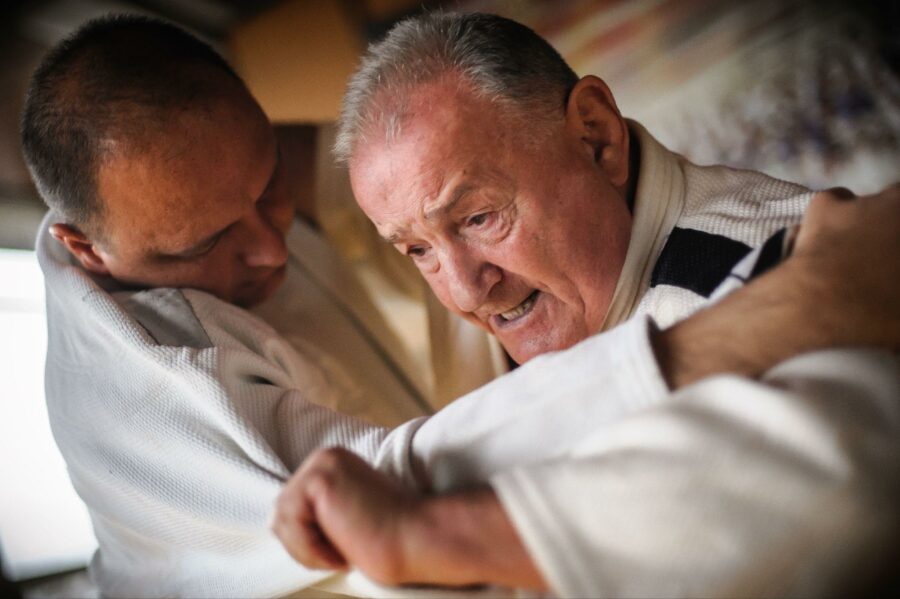
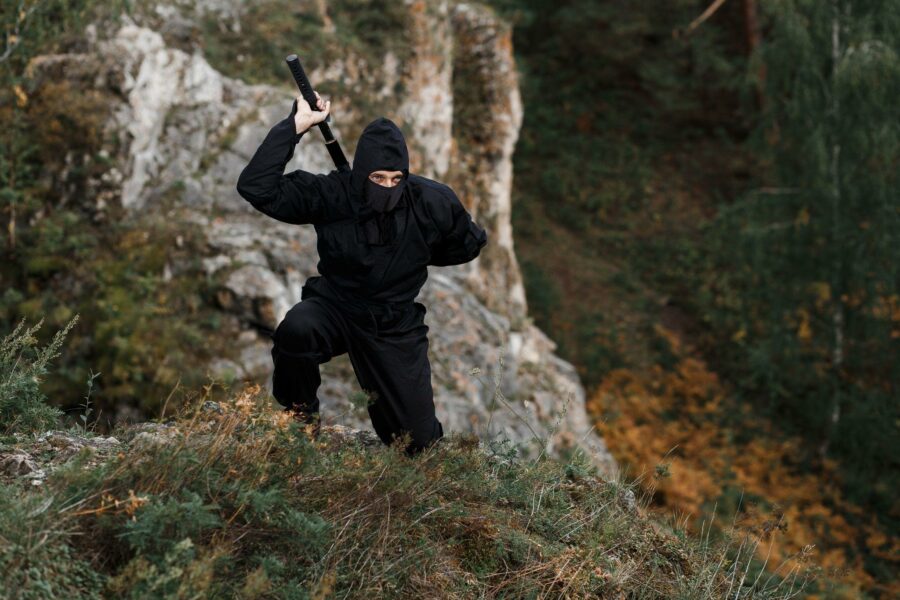
It’s time to get serious. This is a guide about helping you start your journey toward fighting game prowess, and there’s no point in giving up now. Everyone knows that fighting games are inspired by classic martial arts movies and shows, so why not dig a little deeper and understand the real thing? The stuff behind the screen, if you will. Karate, Muay Thai, Taekwondo, Judo, Jiu Jitsu, kickboxing, and many more forms of martial arts have inspired countless fighting games across decades of consoles. It’s time to become one with the source material and start from the ground up.
Step 10: Locate a Martial Arts Sensei
You’ve watched a few videos covering a mix of Karate and Judo basics but it’s time to take it to the next level. Practicing in the backyard for a couple months has strengthened you, sure, but if you’ve learned one thing from every martial arts movie, show, and manga it’s that no warrior is going to get anything done without a strict, cruel sensei to enforce discipline and pain. Also, you’ve completely destroyed the grass in the backyard and your neighbors don’t let their kids play outside anymore.
Step 11: Prove Yourself to the Sensei
Is this sensei what you were expecting? Maybe not, but it doesn’t matter. Sensei Eric is going to make sure you pay your class fees on time and even gives homework in the form of martial arts history printouts and YouTube core-strengthening videos. You must train tirelessly and overcome the smell of feet everywhere—it’s no Mr. Miagi experience but it’s definitely changing your view of the world.
Step 12: Defeat their Skilled Protege
You’ve come a long way and it’s time to start amping things up. Your kicks, blocks, and punches are better than ever, and most of the people in the dojo don’t want to go near you— maybe it’s your unkempt, depraved look of determination, or maybe it’s your ability to kick anyone’s ass as long as they play by the same rules that you’ve been trained on these last couple months. Your sensei’s protege has challenged you to spar in front of the entire class, and you defeat him easily given your newfound aptitude for combat.
Step 13: Defeat the Sensei and Take Over the Dojo
It dawns on you that there is nothing left between you and fighting game mastery aside from your sensei, who runs the very place you’ve come to call home during the past year. Teching, footsies, wake-ups; all terms that make sense now, seem trivial, even. The only thing that remains is to challenge the dojo sensei and assert dominance as a master martial artist. Then, take over the dojo and rename it as your own after the old sensei leaves due to the severe, overwhelming shame of defeat.
Step 14: Return Home Completely Changed
It’s been a while since you’ve seen your hometown and even longer since you’ve picked up your gamepad and settled in for a match. Things are different now; you’ve got a new appreciation for the physical world around you. The sound of wind moving through the trees, the pavement beneath your feet — you feel how much your senses have heightened since you began your journey toward fighting excellence. The whole world is your arena now.
Step 15: Destroy the Competition
The countless hours training, the mastery of fighting game jargon, the enlightened understanding of what it truly means to engage in hand-to-hand combat. It’s time to jump online and take what you’ve rightfully earned with sharpened reflexes and a keen understanding of so-called “combos.” Just make sure to remember everything that your sensei taught you, and don’t forget to count those frames while you’re at it. In no time you’ll find that you’ve finally won, and by a landslide no less! This is what it’s all about –proving true superiority over an inferior, weaker player. Time to ride this high and see just how good of a win ratio you can achieve before bed.
Step 16: Realize You Lost Again
Oh, wait, was that actually my character that was getting kicked off the side of the arena and pummeled into the ground repeatedly? I could’ve swore I chose Giovanna, why didn’t any of my hits land? By now you’ll realize that you actually lost after getting back into it, and the only conclusion to be drawn is that you’re going to need too try even harder and allocate even more time to sharpening your reflexes and memorizing combos.
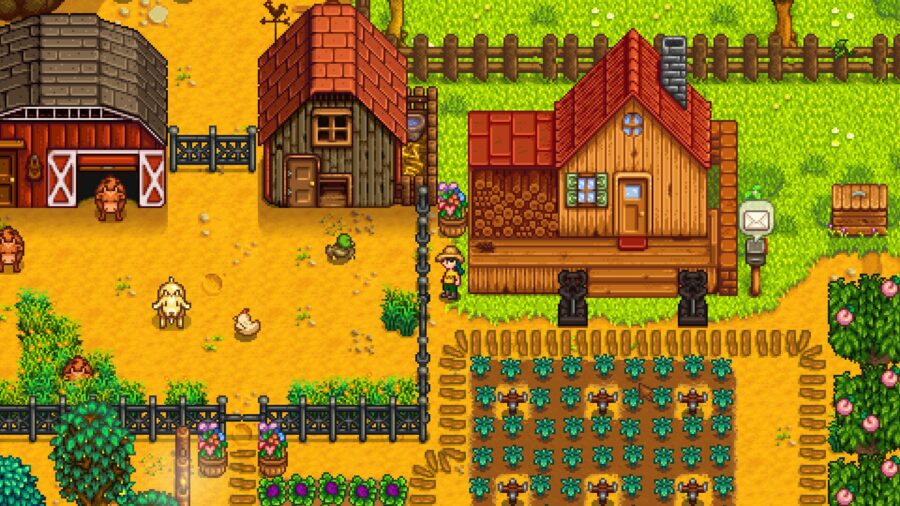
Step 17: Play Stardew Valley
The next step in mastering this red-headed stepchild in your games library is pleading with Steam support for a refund exception and killing time by playing Stardew Valley. Guilty Gear? More like lookie here! Paloo and Snurf have laid eggs that need collecting! Turnips have been ready for harvest for days! What’s this? A letter from Leah?! Oh! The Flower Dance is tomorrow and I’ve still got to give out more gifts! I’m not sure what all that fighting game nonsense was about, but this game has it all. Time to settle in and become the androgynous serial-dating farmer you’ve always dreamed of.
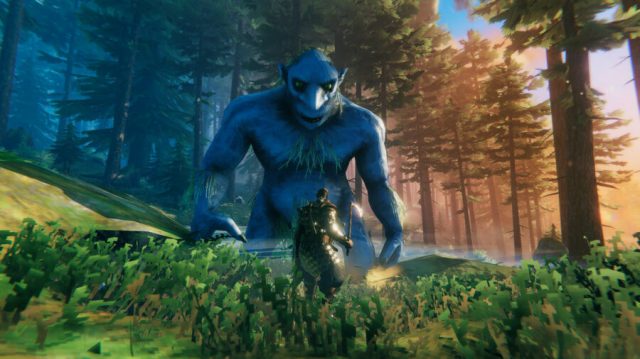
Valheim’s Public Test build gets a few issues addressing in this patch. Bear in mind that this is exclusively for the test branch, so tread carefully if you decide you want to give the experimental build a go yourself.
Valheim Patch 0.217.46 (Public Test)
⚠️ Note: This update is for the Public Test branch of Valheim only, and may therefore be unstable!
Prior to launching this update to the Default version of the game, we want to have a chance to discover bugs and fine-tune the balancing to ensure the best game experience.
ACCESS: Right-click Valheim in your Steam library, then select ‘Properties’. In the new window, select ‘Betas’ and type in the code “yesimadebackups”. The Public Test branch should now be available for you to select. The PTB FAQ can be found here.
FEEDBACK: Please leave any feedback in the “#valheim-public-test” channel in our Discord or through the PTB form on our website.
Please remember to be considerate towards players who are not participating in the Public Test, as some may prefer to avoid spoilers. As indicated by the access code, please ensure to create backups of your save files before playing.
This patch contains several fixes to the minimap, as well as fixes to dungeon generation and to portals.
Important note if you have played the PTB patch 0.217.43:If you have removed a world and then created a new world with the same name, you will need to remove the following files from your worlds folder:[mapname]_forestMaskTexture[mapname]_heightTexture[mapname]_mapTexture
Detailed Patch Notes:
Mountains above 200 in height should no longer be cut of on minimap
Changed names of minimap cache files to include “Cache”
Fixed an issue where dungeons are much smaller and has worse loot when generated
Portals are no longer connected after the connected portal is destroyed
Fixed an issue with loading threading to decrease load times
Fixed asset loading system's "operation to loader" dictionaries being reassigned multiple times
Updated Asset Bundle naming
Fixed issue with cartography table not working when reading your own pins
Fixed issue where the minimap would show the map for a previous world with the same name
Fixed issue where minimap flickers with the names of pins
Fixed issue where the files start_headless_server and steam_appid.txt were missing from the dedicated server builds
Fixed a bug that caused dungeons to be generated differently than before
Fixed worlds_local not being created correctly for cloud file sources.
Show a warning if dependencies are not installed
Steam only:
Start menu scene is no longer reloaded if the client fails to determine the backend of a dedicated server.
Xbox and Microsoft Store only:
Fixed a freeze when entering suspend mode
Fixed a bug that caused the game to no longer return to the start scene when entering suspend mode while hosting or being joined to a multiplayer game
Fixed an issue where friends tab on server browser did not display friend's servers at all
That’s all there is to the patch notes on April 2 for Valheim on Steam PC, Microsoft Store, and Xbox.
A former WWE Champion has discussed the gamble of them potentially getting back in the ring after a horrific neck injury.
Big E, a former WWE Champion and member of The New Day stable, recently spoke to CBS Sports (via SEScoops) about his recovery and moving forward.
“I’ve been doing physical things my entire life, and I never wanted to leave sports hobbled and crippled” he began.
“It’s just a matter of listening to the doctors, taking in enough information, looking at my more recent set of scans and deciding if the gamble is worth it” the former WWE Champion noted.
E would also reveal that a number of WWE Legends have contacted him with regards to his injury to offer their experiences and support:
“I’ve been so thankful for so many of the guys I grew up loving and watching as a kid, so many legends who wanted to reach out and share what they went through when they had their neck injuries. I’m so grateful to all of them.”
The New Day member suffered from a horrific neck injury back in March 2022 on an episode of SmackDown, when an overhead suplex outside the ring was botched and he landed directly onto his neck.
Make sure you check out more of the content we have via our Minus World section and if you want to see more pro wrestling or combat sports you can check out my site FightFans!
WWE WrestleMania XL Night 1 is set to be one of the biggest nights of the year for the company, but what time does it start?
The show takes place on Saturday, April 6th from the Lincoln Financial Field in Philadelphia, and as such, you’ll need to be aware of the global time differences if you want to watch the event from further afield.
As is usually the case for fans in the likes of the UK and Europe, it will be a very late night, but thankfully it isn’t quite as long as usual.
The change of time from the company means that fans across the globe can catch all of the action a bit earlier, meaning that they won’t fall asleep ahead of Roman Reigns and The Rock vs Cody Rhodes and Seth Rollins in the main event.
Usually, WWE Premium Live Events events would start around 9:00 PM ET, but Night 1 of WrestleMania XL will be starting proper at 8 PM ET.
This means that fans in the UK will be able to start watching the start of the event from midnight on Sunday, April 7th 2024 as opposed to 1 am as they would usually have to.
Make sure you check out more of the content we have via our Minus World section and if you want to see more pro wrestling or combat sports you can check out my site FightFans!