
Everywhere You Can Purchase ‘Starfield’ Day One

As the release of Starfield approaches, the highly anticipated RPG from Bethesda will be available at different times for different players, depending on the version of the game they bought. On top of that confusion, it can often be hard to know where the heck you even go to buy a game anymore. Here’s our guide to all of the retailers confirmed to be selling Starfield when it releases on September 6.

Wal-Mart Supercenter

If you feel like saving six cents on your copy of the new Bethesda RPG, you can head down to the big store that’s killed more small American businesses than random drug tests!

Amazon Prime

If you still prefer physical copies of video games delivered to you by someone that probably urinated inside of a van that day, there’s really only one place left you can go. It’s Amazon.

Target

They’ll have a bunch of copies at your local Target. If the line is too long, just walk out of there without paying. They won’t miss one little video game!

Dealin’ Don Baker’s Used Cars up there on 14th

If you come on down to Dealin’ Don Baker’s this week and get yourself in a new or pre-owned vehicle, he’ll throw a copy of Starfield in the trunk! Very cool, Don.

Verizon Wireless

Right now if you sign up for two lines for two years on unlimited plans and buy two brand new iPhone 14’s, you’ll receive a download code for a copy of Starfield. Wait. That’s a terrible deal. Go to one of the other places on this list.

Pizza Hut

Students that signed up for the ‘Eat Two Dozen Pizzas This Summer and Get a Free Copy of Starfield’ promotion only have a few days left to ingest enough pan pizzas to qualify. Once again, reporting on this promotion does not mean Hard Drive endorses it.

GameStop

They might get a copy or two, if there’s room on the truck after they load up the Funko Pops. Availability may differ by location.

Under this bridge

Cash only, and the game might not have the case. Actually, I think that’s true for GameStop now as well.

Your bank

Go ask them at your bank, they’re getting a few copies for members that have savings accounts. You gotta go in though, they won’t fit through the drive thru tube! 

Online

If you get the same from an online retailer, you can purchase and play the entire game without saying a single word out loud! 

Corner store

It’s not like, actually Starfield, but they have some comparable games for a good price. I’ve heard good things about Stormfield and Field of Stars.

Under a big rock

Bethesda has confirmed that 100 random stones across the country will be hiding a brand new copy of Starfield. Time to get out there and touch rocks, gamers!



Only One Way to Find Out If Shift+Enter Adds New Line or Instantly Sends Half-Finished Message

SAN MATEO, Calif. — Unemployed social media manager Kyla Torres decided that the only way to see if pressing Shift+Enter will immediately send a half-finished, not-yet-proofread message is by pressing it now, concerned friends report.

“As a great philosopher once said, ‘you only live once.’ I don’t have time to look up whether LinkedIn recognizes Shift+Enter as a valid way to add a new line to this message, so fuck it. I just hit it to see,” recounted Torres, who is reported to frequently rip out external drives from her computer without properly ejecting them first. “Whelp, turns out it sent so I probably won’t be working at Kaleidoscope Advertising. I followed up with a quick apology and blocked the recruiter. On to the next one.”

Sandra Berry, the staffing recruiter at Kaleidoscope Advertising, had a surprising reaction to the bizarre transmission from Torres.

“Usually, my LinkedIn inbox is full of very professional, very generic messages from prospective candidates, so Kyla’s unhinged message really caught my eye,” recalled Berry, who admits to deleting most applications if they don’t come from a referral anyway. “But there was something refreshing about the half-finished, misspelled greeting followed by a quick ‘ah shit, srry’ apology before she blocked me. Her communication style shows decisiveness and I like that. If she ever unblocks me, I’m definitely reaching out for an interview.”

A software engineer with years of web development experience explained the seeming randomness of what Shift+Enter does in various messaging platforms.

“We flip a coin. It’s as simple as that,” admitted software developer Connor Large, who works on LinkedIn’s dick pic screening team. “There’s no standardization because that would take all the fun out. There are obvious workarounds to avoid an embarrassing situation, like pasting your message into Notepad++, configuring newlines for whatever operating system may interpret your message (\n vs \r\n), and pasting it back in the message window. God, do I have to teach you luddites everything? This is Computers for Dumbfucks 101.”

In a shocking twist, Kyla Torres’ impulsive decision-making has landed her a role as CTO at the company formerly known as Twitter, X.

Pope Francis Confirms Pikmin Do Not Go to Heaven

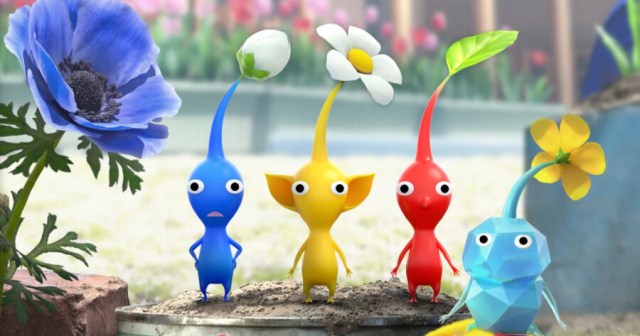
VATICAN CITY — Head of the Catholic Church Pope Francis publicly stated that the titular creatures in Nintendo’s Pikmin franchise do not go to heaven, during a public question-and-answer session earlier today, sources have confirmed. 

“Paradise is open to all of God’s creations, but only to those designed by his master hand” said Francis, answering a child’s question during his weekly audience in St. Peter’s Square. “The Kingdom of Heaven is no place for impious creatures such as Pikmin.”

When asked for clarification about this comment, a spokesperson for the Holy See, Lucio Padovesi, seemed keen to assure people the statement was a misinterpretation.

“His Holiness was simply speaking conversationally” said Padovesi, whilst scanning through an eShop listing for Pikmin 3 Deluxe on a staff member’s Switch Lite. “The Pope’s understanding of this game is limited, and at first glance these Pikmin appear to be more plant than animal. It is not difficult to see why they would not belong in the eternity of Christ.”

But these comments don’t seem to have been of any comfort to religious Nintendo fans.

“It’s the sort of thing that makes you reconsider a lot of fundamental beliefs” said Simon Yardley, founder of the blog Devout Gamer “Every time I watch their ghosts float into the sky, I have to ask myself where they are going if not Catholic Heaven. Does His Holiness believe Pikmin to be without a soul? If my church cannot answer these questions, I worry I’ll have to look elsewhere.”

Nintendo has declined to comment, and has moved forward with a lawsuit against the Pope. 

Thank God: Someone Else Canceled on D&D First

PORT HURON, Mich. — Relief swept across members of the Greater Port Huron Dungeons & Dragons Club after Ralph Finnegan, a level 8 human fighter, canceled on D&D this week before anyone else in the party could.

“I’m honestly really mad about it,” said dungeon master Laura Finch, who appeared relived despite alleging the opposite. “Sure, I procrastinated preparing, and thinking about pulling an entire session out of my ass was giving me anxiety, and now that he canceled I can finally take a nap because I’ve been so exhausted all week…I’m sorry, what were we talking about? Oh yeah, how dare Ralph cancel on us!”

Following Finnegan’s Discord message on Friday, saying that he was ‘so sick he could barely move’ and that he might have to go to ‘urgent care’, the rest of the group reportedly let out a massive sigh of relief.

“Who the hell would do something like that, make a commitment to Dungeons & Dragons and then cancel over something as small as a bit of appendicitis,” continued Finch, who canceled on D&D last week to rewatch The Sopranos. “When you say you’re going to play a session you better show up, or else you might as well just die.”

The D&D group, which was founded in 2018, has faced a slew of challenges when trying to get everyone together, ranging from clashing work schedules, to weddings, to just ‘not really feeling it today’.

“This isn’t the first time Ralph has canceled on a game night, either,” said Lucas Martin, another member of the party. “One time he said he couldn’t come because of his ‘grandmother’s funeral’ and that he was too ‘emotionally devastated’ to properly play. And sure, boo hoo, but you know what’s really emotionally devastating? Trying to fight a Minotaur when the party was one member short!”

As of press time, Martin has canceled on next week’s session, citing his father’s birthday as the cause, which will mark three calendar years since The Greater Marysville Dungeons and Dragons Club has successfully gotten together. 

Sea of Stars Saving Guide: How to Save in Sea of Stars

In a game like Sea of Stars, saving routinely is essential to ensure you don’t lose any progress. Like the games it was inspired by, you can’t simply open the main menu to save the game. Titles like Final Fantasy XVI may have that luxury, but Sea of Stars takes from the classic SNES JRPGs.

There’s a formula you need to follow to save your game, but after saving once, you shouldn’t have any issues finding further save points. Here’s how to save your game in Sea of Stars

How to Save in Sea of Stars

A save point in Sea of Stars

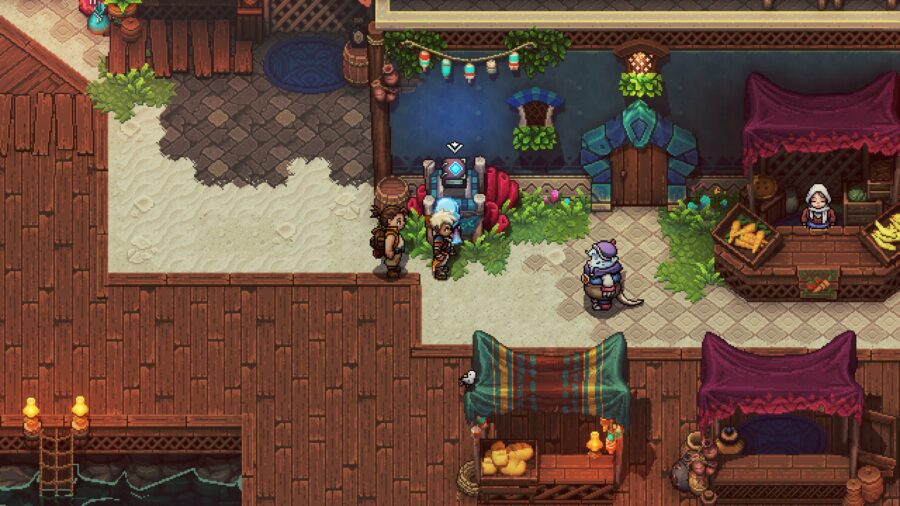
Saving is done through save points within the world. They’re pretty easy to spot if you know what you’re looking for. Look for a book on a glowing pedestal. The book should look like a brown leather book with a glowing blue stone in the middle of it. Once you locate one, head over to it and interact with it. From here, a save menu will pop up, and you can save your game in one of the available save files. 

There is also an autosave feature available. This will be indicated by a book in the bottom right corner that will usually appear when entering an important area. The autosave doesn’t go into a visible file, but is just loaded if you select “Continue” from the main menu.

How Many Save Files?

Sea of Stars offers players up to nine files they can save on. Initially, you are only presented with three; however, once those are filled, you will unlock six more. This can be useful for a number of reasons depending on where you are in the story. You can use this to your advantage if you want to buy and test out an item, for example.

When to Save

You should realistically save before every major boss fight. A great example of this is the Elder Mist boss, as, without the proper knowledge, you can quickly lose progress without a save. Since you won’t be aware of most of them, it’s best to get into the practice of saving at every save point you see. You can ensure your progress isn’t lost with this method.

Wondering how Relics work in Sea of Stars? Check out our Relics guide to learn all the ins and outs of the game’s most intuitive system!

Sea of Stars: Which Main Character Should You Choose?

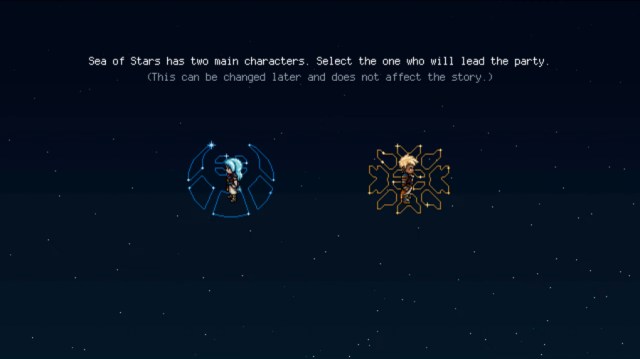
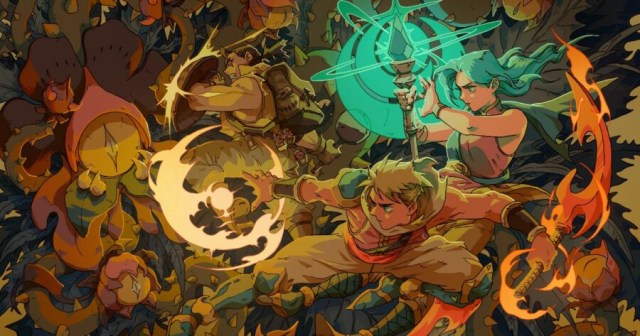
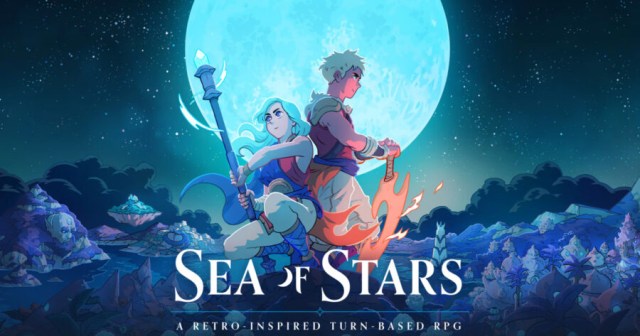
Sea of Stars features two main characters, Valere and Zale, who both offer unique abilities. When presented with the choice of which one you’d like to lead the party, it’s easy to get lost deciding between the two. Do you pick the staff-wielding Valere? Or opt for the Blade Dancer Zale? Here’s everything you need to know about which character to choose in Sea of Stars.

Should You Choose Zale or Valere in Sea of Stars?

Luckily, your choice does not matter! Besides some dialogue exchanges being rearranged slightly, there are no story or gameplay differences for choosing a specific character. In fact, you are able to change the party leader later on in the story, which means you can pick the other character when you hit that checkpoint if you wish. 

You are presented with the choice of which character you’d like to lead the party at the opening moments of Sea of Stars. We recommend choosing the character you’d like, as there are no consequences at any point throughout your playthrough.

What Differences Are There Between Zale and Valere?

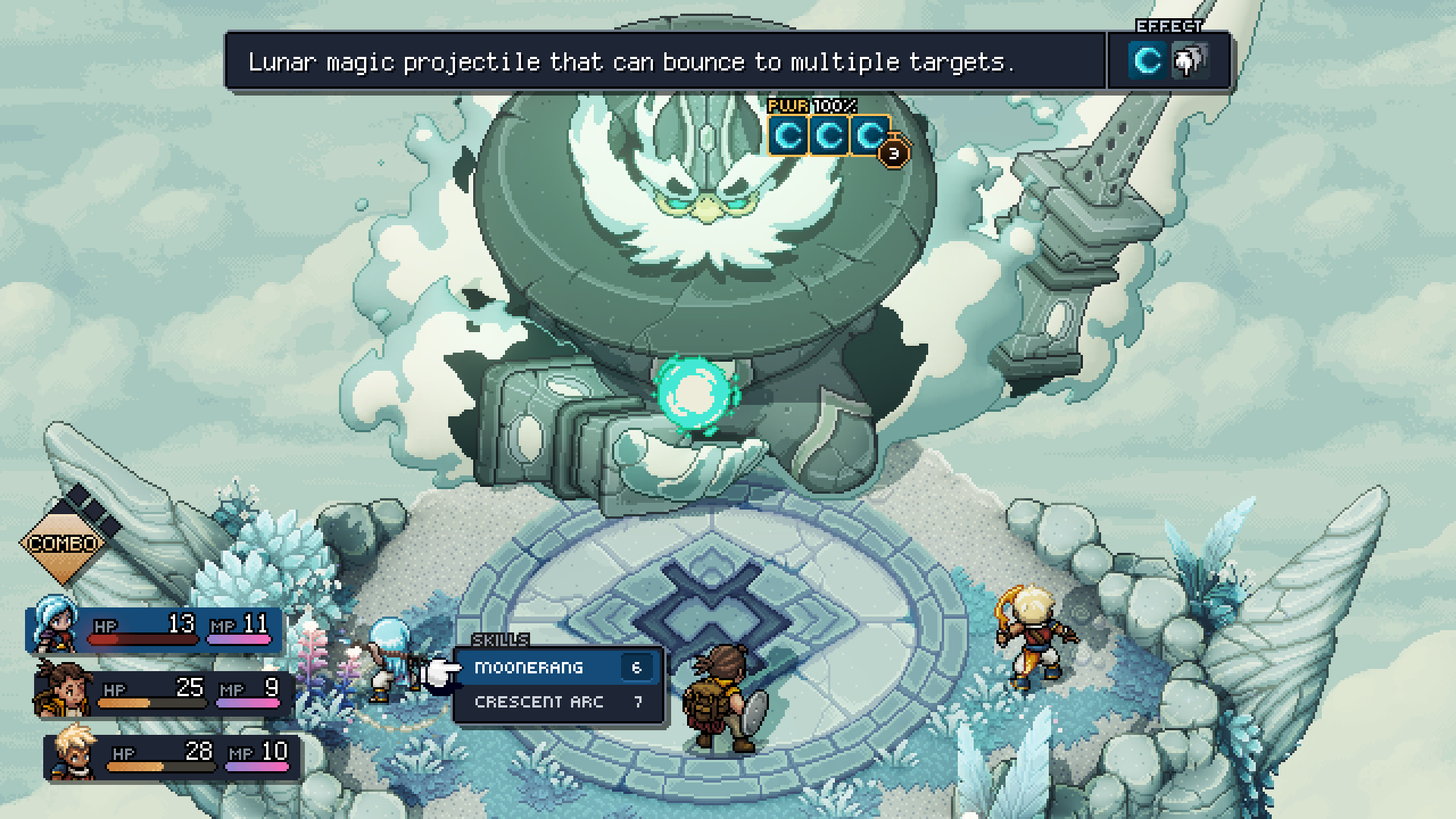
So, each of the characters has a different set of abilities you will need to utilize in battle. Valere has a staff and uses magic utilizing the Moon. On the other hand, Zale has a sword and uses Sun-based magic. Regardless of who you decide to choose as the party lead, you will still be able to play as each character in battle.

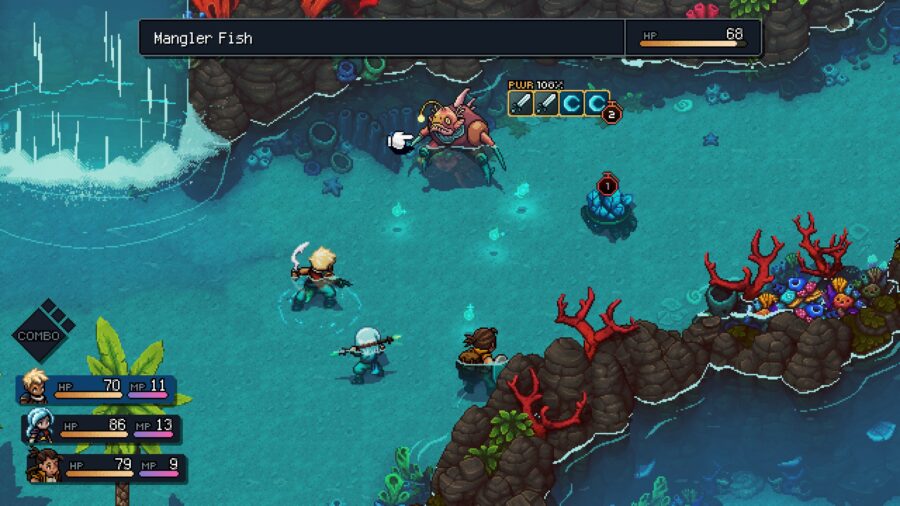
The combat of Sea of Stars is turn-based, meaning that you can choose which character to use when. It’s up to you whether or not to attack, use an item, or cast magic. 

That’s all you need to know about which main character to choose in Sea of Stars. Be sure to check out our fishing guide while you’re exploring the expansive world!

Sea of Stars Elder Mist Trial Artifacts Guide: All Answers & More

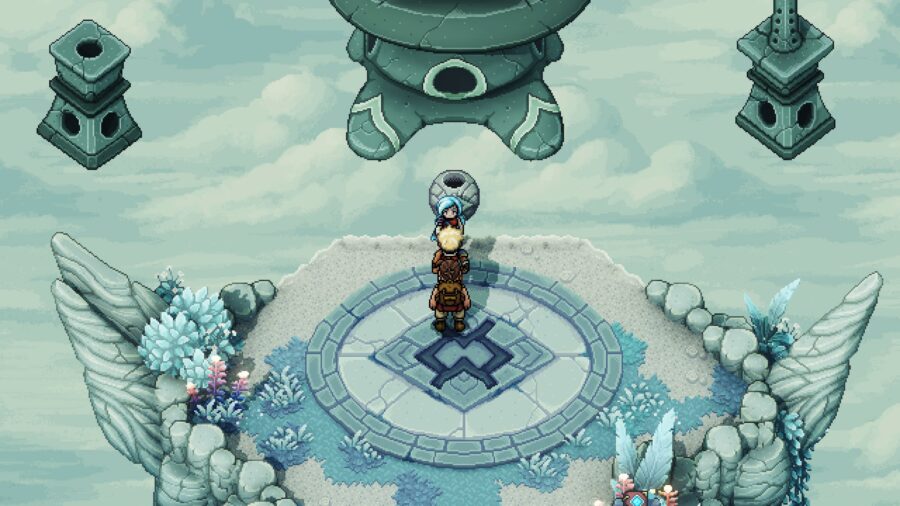
When you first make it to the Elder Mist in Sea of Stars, he will take you to a platform where you have to complete three separate pathways to make three artifacts appear. Each artifact is obtained in different ways, which can lead to you struggling if you’re not sure what you’re doing.

Luckily, we have compiled a step-by-step guide for each of the three artifacts! Here’s everything you need to know about obtaining the artifacts in Sea of Stars

How to Obtain the Left Artifact in Sea of Stars

This trial will involve you following a path and solving a puzzle with a moving platform. Follow the below steps to complete this trial and earn the left artifact in Sea of Stars:

1) Hit the lever to lower the floating platform. You’ll need to defeat a few enemies for this.
2) Go up the stairs and defeat the enemies. Continue right.
3) Hit the lever you hit earlier to return the platform to its floating position.
4) Go Up the ladder to the moving platform and use it to move to the next area.
5) Defeat the enemies to return to the main platform. The left artifact will now appear.

How to Obtain the Middle Artifact: Elder Mist Quiz Answers

The Elder Mist Trial in Sea of Stars, with all three artifact figures appeared

The middle path will take you take an island where you’ll need to answer a few questions. Here, simply follow the path as it opens and click on any of the boards you pass to complete the puzzle. The answers are as follows:

Q: Of these two actions, which one regenerates MP?
A: Attacking

Q: What is the name of the school you went to?
A: Zenith Academy

Q: One very important Solstice Warrior duty is to destroy Dwellers, who become vulnerable under which natural phenomenon?
A: Eclipse

How to Obtain the Right Artifact

The right artifact is by far the easiest on this list. You simply just need to follow the linear pathway to obtain access to the right and final artifact. 

Once you collect all three artifacts, you’ll be thrown into a surprise boss fight with the Elder Mist himself! If you’re having trouble defeating him, be sure to check out our Elder Mist boss fight guide!

Sea of Stars Enemy HP Guide: How to Show Foe’s Health

Want to see enemy HP in Sea of Stars? We’ve got you covered with this helpful guide! Luckily, seeing enemies’ health is quite easy.

Seeing your opponents’ remaining HP is an incredibly helpful mechanic in any RPG. Lots of these games, however, lock this ability behind some sort of wall, whether it’s a piece of equipment or a learnable skill. Unfortunately for fans of this mechanic, this is the case in Sea of Stars as well. Here’s what you need to know to display HP in Sea of Stars.

How to See Enemy HP in Sea of Stars

How to see enemy HP in Sea of Stars.

To see enemy HP, you will need to find and equip a certain item that’s one of the best early game pieces of equipment. This item, the Abacus, can be found in a pretty early section of the game in a chest. In particular, you will find it in this cave on the Mountain Trail near a save point.

Enter this cave and do some basic platforming to the top of the ledge. There, you’ll find a chest containing the abacus.

If you’ve already skipped past this, though, you can find it sold by merchants in later parts of the game, like the Stonemasons’ Village. It may take a bit longer, but you shouldn’t be without this resource for too long even if you missed this chest.

Once you get your hands on the Abacus, there’s one last step before you can see enemy HP in Sea of Stars: equipping it. The Abacus has to be equipped in a character’s gold accessory slot. These accessories provide buffs for your entire party. As you progress, it’s up to your discretion if the Abacus is worth one of these precious equipment slots. In the early hours, though, it’s a no-brainer to equip this item and be more efficient with your skill usage.

That’s all you need to know to show enemy HP in Sea of Stars! While you’re here, check out our guide on which bonus stat to choose for your party members to lower that health quickly!

Sea of Stars Relic Guide: Relics & Their Effects Explained

Relics are a key type of item found in Sea of Stars. For those unfamiliar with them, it can be challenging to grasp the concept of their abilities and use them within the game. Additionally, you might be curious about how to obtain these items.

Whatever the case may be, we’ve got you covered with an extensive guide on everything you need to know about Relics in Sea of Stars

What Are Relics in Sea of Stars?

Sea of Stars menu with relics highlighted

Relics are powerful items that can drastically change the flow of the game. Essentially, each relic changes or tweaks a small portion of the game to make things easier. This is basically an extensive easy mode option depending on what you’d like to tweak. 

For example, party members do not heal post-battle. Whatever damage you take in combat will still be there after you finish up a fight. However, there is a relic that heals your party after combat. You simply need to flip the switch on for it. 

You can equip as many Relics as you’d like at any point. Also, you don’t have to use any if you don’t want to, but they are there if you need them. They do not affect the story or progression in any way.

Editor’s note: I used the relic “Sequent Flare” throughout my playthrough, and found the extra feedback on my timing incredibly helpful. Consider checking it out, even if you don’t want an especially “easier” experience!

How to Obtain Relics in Sea of Stars

One interesting thing about Relics is that they can be bought from different shops around the world. As you progress and explore the world, you will come across shops where you can purchase Relics. So, you’ll need to keep an eye out if you’re interested in finding more useful features. 

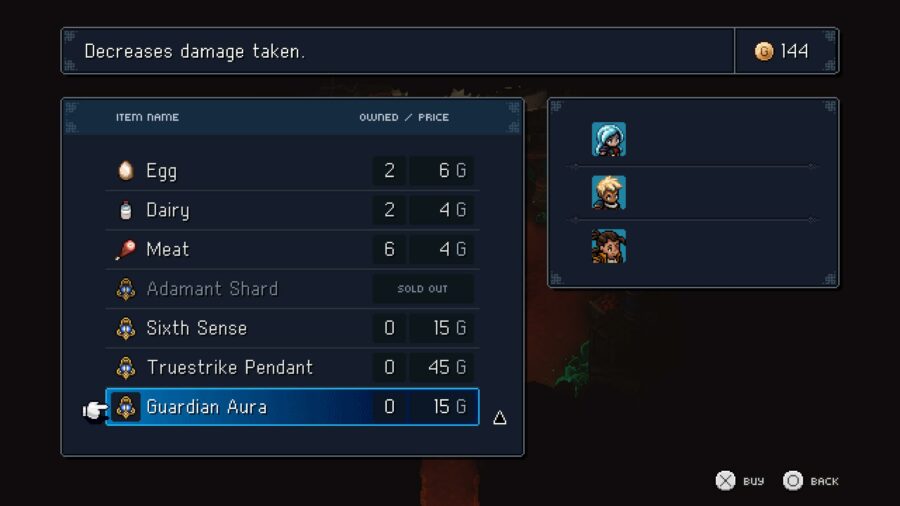
The game will grant you a few Relics to start out, but past that, you’ll be purchasing them on your own dime. Most shouldn’t run you more than 40-50G.

Wondering which bonus stat is best for your party? Check out our bonus stat guide for all the details and more!

Sea of Stars Bonus Stats Guide: Which Bonus Stat Is Best?

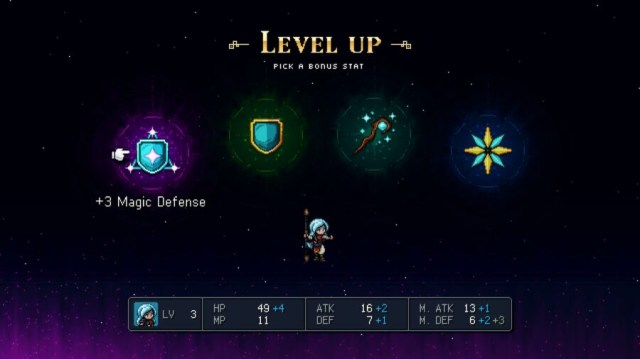
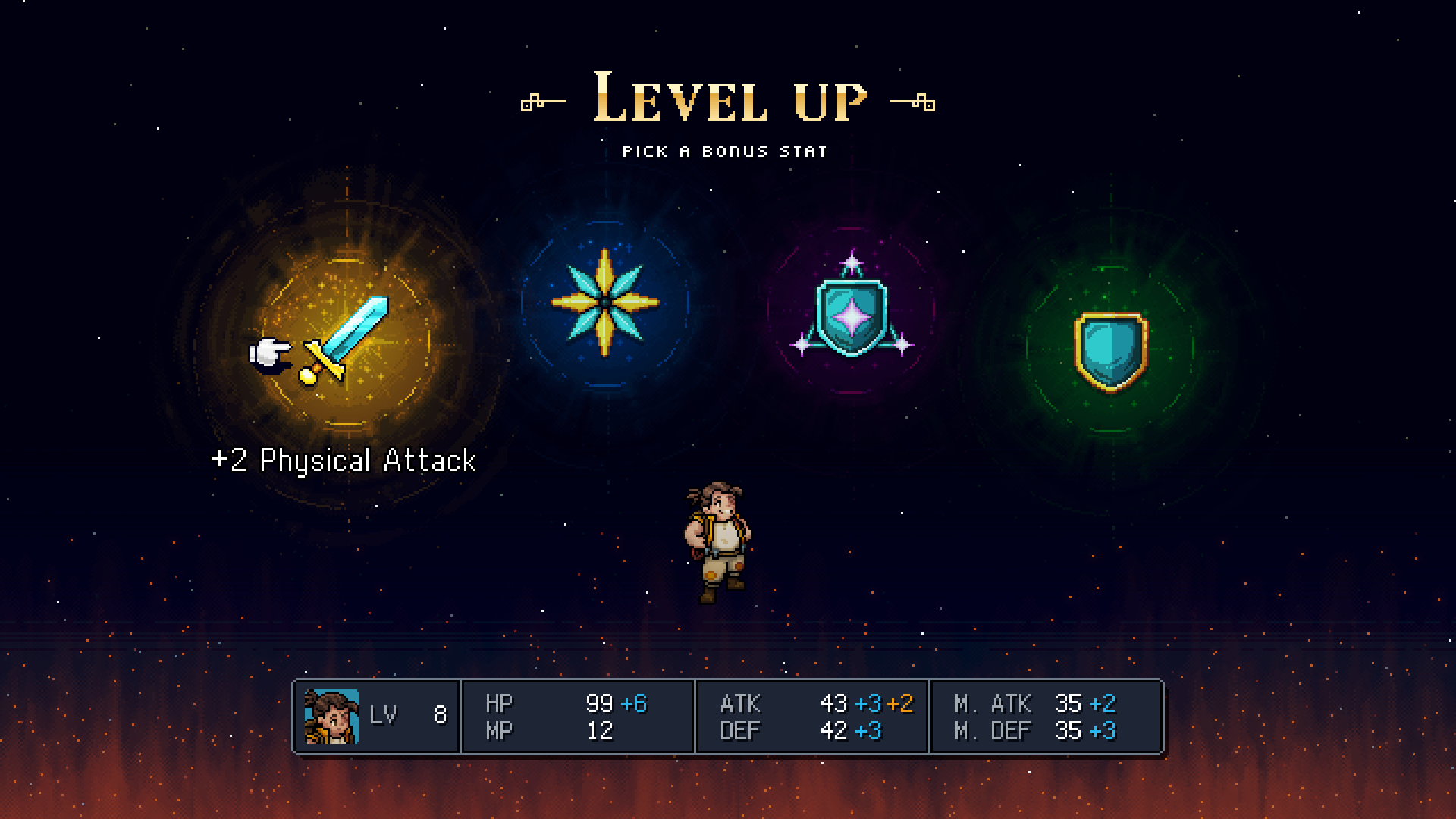
Each time you level up in Sea of Stars, you’ll be presented with the ability to choose a bonus stat to give an extra boost for select attributes. It’s completely up to you where you’d like to allocate these bonus stat increases.

Every increase is critical in a game like Sea of Stars, as its turn-based nature can make even the smallest of enemies challenging. Strategy is key, which means extra stat increases can make the world of a difference. 

Every Bonus Stat in Sea of Stars

For those unfamiliar with the bonus stats or just seeking a comprehensive list, we have that too. Take a look below at all of the bonus stats available in the game:

  • Physical Attack – Improves the amount of damage you do to enemies on standard attacks
  • Hit Points – Your health. Increases the amount of damage you can take
  • Magic Defense – Lessens the amount of damage enemies inflict on you with magic-based attacks
  • Mana Points – Increases the amount of MP you have, allowing you to cast spells quicker and more frequently without recharging
  • Magic Attack – Improves the amount of damage you do to enemies on magic-based attacks
  • Physical Defense – Lessens the amount of damage enemies inflict on you with physical-based attacks

Which Sea of Stars Bonus Stat Should You Choose?

Depending on what you need most, the choice of which bonus stat is best can be tricky. Additionally, only four of the above bonus stats will be available to choose after each level up, so it does vary. We recommend first looking at both Physical Attack and Hit Points, as both of these attributes are essential for combat. An extra boost to your health or damage isn’t something to look past for most people.

However, Mana Points is another strong contender for the best bonus stat. With characters like Zale, you want a lot of MP to use his solar-based attacks. Overall, the choice for bonus stats depends heavily on where your character currently is. If you have loads of HP, it might be best to focus on defense or attack. 

Sea of Stars is available across Nintendo Switch, PlayStation 4, PlayStation 5, Xbox Series X|S, and PC via Steam.

Stay Updated on The Latest Punk News

Get the latest punk news delivered straight to your inbox

We'll store and process this information to provide you our products and services. You may opt out of this at any time.